
Consent Mode and Analytics Under India’s DPDP Act
How Google Consent Mode v2 works with India's DPDP Act, and how to configure GA4 and GTM so opt-in consent doesn't break your analytics.

Published August 2026. If your site serves Indian visitors and runs Google Analytics or Google Ads, you need Google Consent Mode configured before you collect another data point. India’s Digital Personal Data Protection Act (DPDP Act) requires opt-in consent before non-essential cookies fire, and Consent Mode is the mechanism that lets Google’s tools respect that consent without breaking your reporting entirely. Skip it, and you either violate the opt-in requirement or watch your GA4 data degrade with no way to model the gaps.
This guide covers what Consent Mode actually does, how it maps to DPDP Act requirements, and how to set it up on a WordPress or custom site without losing months of historical comparability.
What Does the DPDP Act Require for Analytics Cookies?
The DPDP Act, passed in 2023, works on an opt-in model. A site cannot fire analytics, advertising, or profiling cookies before a visitor gives clear, specific consent. That consent also has to be granular — you cannot bundle “accept analytics” with “accept marketing” under one toggle and call it compliant. Each purpose needs its own switch.
The Ministry of Electronics and Information Technology released the DPDP Rules in 2025, and full enforcement is set for May 2027, with penalties that can run up to ₹250 crore for serious violations under the Act’s schedule. That’s not a “we’ll deal with it later” timeline for any business collecting Indian user data — most agencies are telling clients to be compliant well before the enforcement date, not on it.
Practically, this means your consent banner has to load before Google Analytics, before the Meta pixel, before any third-party script that sets a non-essential cookie. If your GTM container fires GA4 on page load regardless of what the user clicks, you are not compliant, no matter how nice the banner looks.
What Is Google Consent Mode and How Does It Differ From a Cookie Banner?
A cookie banner is the UI. Consent Mode is the plumbing behind it. It’s a set of signals — ad_storage, analytics_storage, ad_user_data, ad_personalization — that your site passes to Google tags telling them what the visitor has and hasn’t agreed to.
Without Consent Mode, a “no” on your cookie banner has two possible outcomes on most WordPress setups: either the tag still fires (non-compliant) or the tag doesn’t fire and Google gets zero information about that visit (compliant, but your reports show a chunk of missing traffic with no way to account for it).
Consent Mode v2, the version Google pushed as mandatory for EU/EEA advertisers from March 2024, adds a third option: when a visitor declines analytics cookies, Google Analytics can still receive a “cookieless ping” — no cookie is set, no personal identifier is stored, but Google uses conversion modelling to estimate the missing behavior statistically. Your reports stay more complete than a hard opt-out, without violating the consent choice.
How Do You Set Up Consent Mode for a DPDP-Compliant Site?
The setup has three moving parts: a consent management platform (CMP), Google Tag Manager, and the Consent Mode default/update signals themselves.
- Pick a CMP that supports Consent Mode v2. Most major cookie banner plugins for WordPress (CookieYes, Complianz, Cookiebot) now ship built-in Consent Mode v2 support. Check the plugin explicitly states v2 support, not just “Google Consent Mode” — v1 doesn’t include the cookieless ping behavior.
- Set default consent state to “denied.” Before any user interaction, all four signals should default to denied. This is what makes the setup opt-in rather than opt-out, which is the DPDP requirement, not a nice-to-have.
- Fire the default signal before GTM loads any tag. The consent default command has to run before your GA4 or Ads tags — ordering matters. Most CMP plugins handle this automatically by injecting the default command in the page head.
- Update consent on user action. When a visitor clicks “Accept” or customizes their choices, the CMP fires a consent update event that GTM listens for, unlocking only the categories the visitor approved.
- Test with GTM Preview mode. Load your site in an incognito window, decline all cookies, and check in GTM Preview that GA4 doesn’t fire a standard hit — it should either not fire, or fire only the cookieless ping if you have modelling enabled.
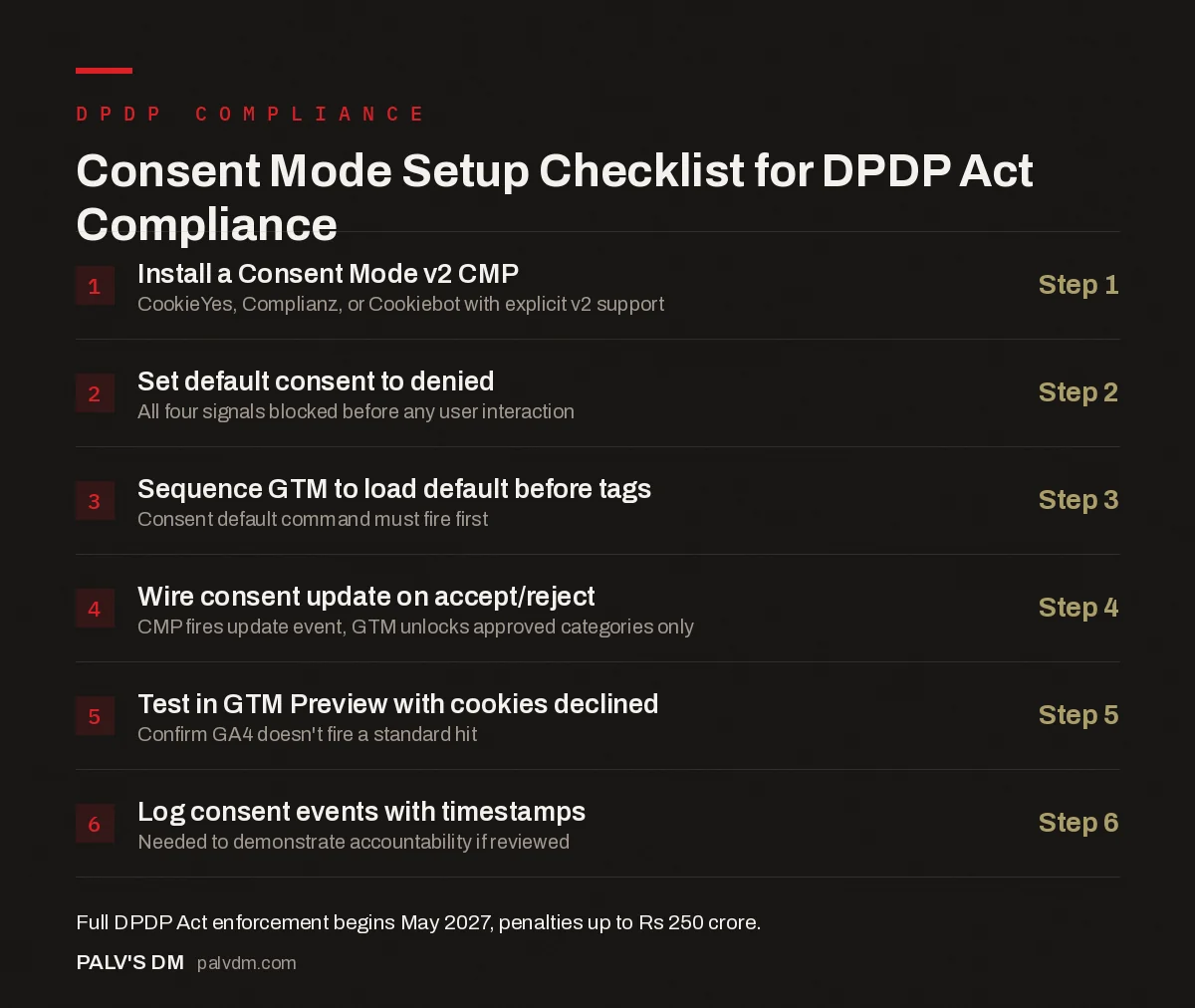
Consent Mode Setup Checklist for DPDP Act Compliance
- Install a Consent Mode v2 CMP — Step 1. CookieYes, Complianz, or Cookiebot with explicit v2 support.
- Set default consent to denied — Step 2. All four signals blocked before any user interaction.
- Sequence GTM to load default before tags — Step 3. Consent default command must fire first.
- Wire consent update on accept/reject — Step 4. CMP fires update event, GTM unlocks approved categories only.
- Test in GTM Preview with cookies declined — Step 5. Confirm GA4 doesn’t fire a standard hit.
- Log consent events with timestamps — Step 6. Needed to demonstrate accountability if reviewed.
What Changes in Your GA4 Reports After Consent Mode Goes Live?
Expect a dip in reported sessions and users immediately after launch — this is normal and not a tracking bug. The size of the dip depends on your opt-in rate, which varies heavily by audience and how your banner is worded. A banner that makes “reject all” as easy to find as “accept all” typically sees lower opt-in than one that nudges toward acceptance, and DPDP rules require the reject option to be no harder to use than accept.
Google’s conversion modelling partially offsets the gap for advertising conversions if you’ve enabled Consent Mode v2 with modelling, but organic GA4 session counts will still show fewer directly-tracked sessions than before. Don’t panic-compare a post-Consent-Mode month against a pre-Consent-Mode month without footnoting the change — it will look like a traffic crash in a board deck when it’s a measurement change.
| Consent State | What Fires | What GA4 Sees |
|---|---|---|
| No interaction yet (default denied) | Nothing | Nothing, or a cookieless ping if modelling is on |
| User accepts all | Full GA4 + Ads tags | Standard session and conversion data |
| User accepts analytics only | GA4 fires, Ads tags stay blocked | Session data, no ad personalization signals |
| User rejects all | No cookies set | Cookieless ping only (if v2 modelling enabled) or nothing |
What Mistakes Do Most Sites Make When Implementing Consent Mode?
The most common mistake is installing a CMP plugin, checking that a banner appears, and assuming the job is done. The banner is the visible 10% of the work. The default-denied state, correct tag sequencing in GTM, and confirming tags actually respect the signal are the parts that determine whether you’re compliant or just have a banner that looks compliant.
- Tags firing before the CMP loads. If your GTM container is set to fire GA4 on “All Pages” without a consent trigger, the tag fires the instant the page loads, before the banner even renders. The fix is adding consent-based triggering, not just installing a banner on top.
- Treating “necessary” too broadly. Some sites classify analytics or heatmap tools as “necessary” cookies to avoid asking for consent. Under the DPDP Act, necessary generally means cookies required for the site to function — session state, cart contents, security. Analytics is not necessary by that definition, however useful it is to your team.
- Forgetting server-side tags. If you’ve moved to server-side GTM, client-side consent signals need to be explicitly forwarded to the server container. This step gets missed often enough that it’s worth a dedicated test.
- No consent logging. The DPDP Act’s accountability principle expects you to be able to show what a user consented to and when. A CMP that doesn’t log consent events with a timestamp leaves you unable to demonstrate compliance if asked.
Do You Need a Lawyer or Can Marketing Handle This Alone?
The technical setup — CMP plugin, GTM configuration, testing — is something an SEO or marketing team can implement directly. The wording of the consent banner, what counts as a legitimate “essential” cookie versus one requiring consent, and your broader data retention and grievance-redressal obligations under the DPDP Act are legal questions. Most agencies implement the technical layer and recommend clients get banner copy and data-processing documentation reviewed by counsel, particularly if you handle any sensitive personal data categories like financial or health information.
FAQ
Does Consent Mode apply if my business isn’t based in India?
Yes, if you collect personal data from people in India, regardless of where your business is registered. The DPDP Act applies based on where the data subject is located, similar in structure to how GDPR applies extraterritorially in the EU. Any site with meaningful Indian traffic should treat this as in-scope.
What happens to my Google Ads data if consent rates are low?
Conversion counts will look lower in the standard reporting view unless you have Consent Mode v2 modelling enabled, which estimates missing conversions statistically based on observed patterns from consenting users. Modelling requires a minimum volume of data to activate, so very low-traffic sites may see a persistent gap rather than a modelled estimate.
Is a WordPress cookie plugin enough, or do I need custom development?
For most small and mid-sized sites, a well-configured CMP plugin with native Consent Mode v2 support is enough. Custom development becomes necessary if you have non-standard tracking setups, multiple subdomains needing shared consent state, or server-side tagging, where consent signals need to be forwarded manually.
Can I just block all tracking until consent instead of dealing with Consent Mode?
You can, and it’s compliant, but you lose the partial-data benefit Consent Mode provides. A hard block means zero visibility into declined-consent traffic. Consent Mode’s cookieless ping and modelling are specifically designed to give you a statistically reasonable picture without violating the opt-in requirement — most businesses find that worth the setup effort.
Getting Consent Mode Right the First Time
Consent Mode is not optional plumbing you bolt on after a DPDP scare — it’s the difference between analytics that hold up under a compliance review and analytics that quietly break the law every time someone declines a cookie. Get the default-denied state right, verify it with GTM Preview before launch, and don’t be surprised when your session counts recalibrate to a smaller, more honest number.
If your current GA4 setup was built before DPDP Act rules were finalized, it’s worth an audit rather than a guess. Our SEO Growth service includes analytics and tracking audits as part of ongoing technical SEO work, alongside the reporting and measurement fixes that usually surface once Consent Mode changes your baseline numbers.
For the reporting side of this — how to explain the data dip to clients or leadership without alarming anyone — see our guide on the SEO report clients should get every month. And if you haven’t set up your tag infrastructure yet, start with setting up Google Tag Manager without breaking your site, since Consent Mode depends on GTM being configured correctly first.
For the broader measurement picture GA4 fits into, see our Google Search Console reports that actually matter.


