
Python for SEO: Five Scripts Worth Writing First
Python for SEO does not require a developer background. Here are the five scripts that save the most time first, and what they do not replace.

Python earns its place in an SEO workflow doing one kind of thing well: repetitive, structured, list-shaped tasks that a spreadsheet chokes on past a few hundred rows. You don’t need it for strategy or content work, and you don’t need a computer science background to write the five scripts that pay off first. Most of them run in under fifty lines using two or three well-documented libraries.
The common misconception is that Python for SEO means becoming a developer. It doesn’t. It means writing a small, specific script for a task you already do by hand, badly, because a spreadsheet formula can’t call an API or check a thousand URLs without freezing. Once written, that script runs the same way every time you need it, for free, indefinitely.
Do you actually need to learn Python for SEO?
Not urgently, and not for most day-to-day work. Keyword research, content strategy, on-page optimisation: none of that requires code. Where Python pays off is narrower and more specific: checking hundreds of URLs at once, mapping old URLs to new ones during a site migration, or pulling more rows from an API than a web dashboard will let you export. If you hit one of those tasks more than occasionally, the hours saved add up fast. If you don’t, there’s no urgency to learn it just because it sounds technical and impressive.
What do you actually need installed before writing anything?
Three libraries cover the large majority of useful SEO scripts. Requests fetches web pages and calls APIs. BeautifulSoup parses the HTML those requests return, pulling out titles, headings, or specific tags. Pandas handles the resulting data as a table you can filter, sort and export to CSV or Excel. Learn those three well before reaching for anything heavier.
Selenium, which controls a real browser instead of just requesting raw HTML, becomes necessary only when a page’s content is rendered by JavaScript after the initial load, something a plain request can’t see. Most SEO scripts don’t need it. Reach for it when you specifically hit a page where requests returns an empty shell.
What are the five scripts actually worth writing first?
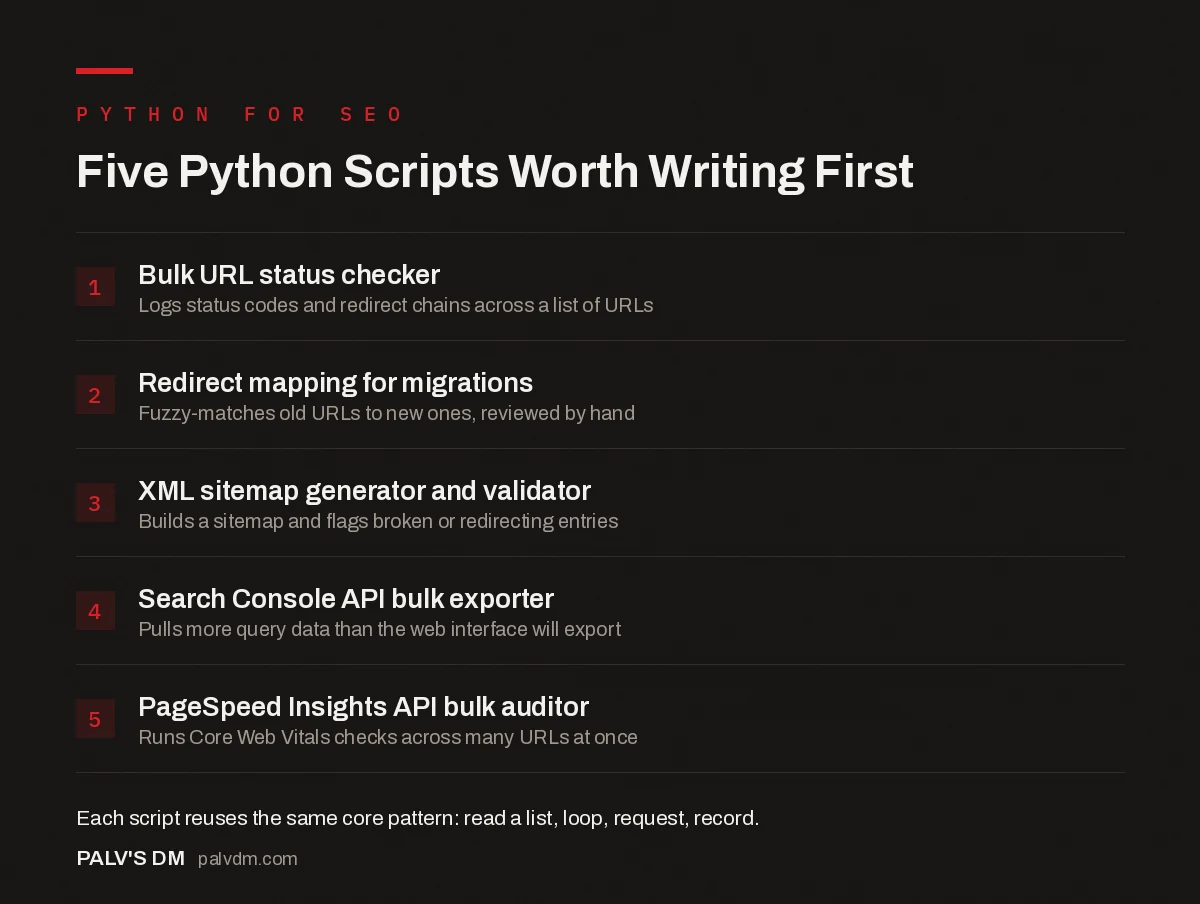
Five Python Scripts Worth Writing First
- Bulk URL status checker. Logs status codes and redirect chains across a list of URLs.
- Redirect mapping for migrations. Fuzzy-matches old URLs to new ones, reviewed by hand.
- XML sitemap generator and validator. Builds a sitemap and flags broken or redirecting entries.
- Search Console API bulk exporter. Pulls more query data than the web interface will export.
- PageSpeed Insights API bulk auditor. Runs Core Web Vitals checks across many URLs at once.
The bulk status checker is the one I’d write first, no exceptions, since it’s reusable on every future project without modification. The redirect mapper combines pandas with a text-similarity match (PolyFuzz or Python’s built-in difflib) to suggest which old URL maps to which new one based on title or content similarity, then gets reviewed by hand before anything publishes. The sitemap script crawls a site’s internal links, builds a sitemap from what’s actually reachable, and flags any URL in an existing sitemap that 404s or redirects. The two API scripts pull data straight from Search Console and PageSpeed Insights respectively, past whatever limits the web dashboards impose on a single export.
What does the bulk URL checker actually look like?
Short enough to type in one sitting. The core logic is a loop: read a list of URLs from a CSV, request each one, record the status code and whether it redirected, write the results back out.
import requests
import pandas as pd

urls = pd.read_csv("urls.csv")["url"].tolist()
results = []

for url in urls:
    try:
        r = requests.get(url, timeout=10, allow_redirects=True)
        results.append({
            "url": url,
            "status": r.status_code,
            "redirected": len(r.history) > 0,
            "final_url": r.url,
        })
    except requests.RequestException as e:
        results.append({"url": url, "status": "error", "redirected": None, "final_url": str(e)})

pd.DataFrame(results).to_csv("url_check_results.csv", index=False)
That’s the entire shape of it: read a list, loop, request, record, export. Every one of the five scripts on this list follows roughly the same pattern with a different action happening inside the loop. Once that pattern clicks, writing the next script is mostly a matter of swapping out what happens between “fetch” and “record.”
What does each script actually save you, realistically?
The redirect mapping script is the one that pays for itself fastest. Doing this by hand on a 200-page migration means opening two spreadsheets side by side and eyeballing which old URL is “close enough” to which new one, a process that’s slow and genuinely error-prone when you’re two hundred rows deep and losing focus. A fuzzy-matching script gets most of the obvious matches right immediately and flags the ambiguous ones for a human decision instead of hiding them in a wall of guesswork.
The bulk status checker is the one you’ll reuse most often, because “check whether these URLs are all still working” comes up constantly: after a migration, after a redesign, after a client says something feels broken and won’t say what. Running it takes seconds once written. Building the equivalent check manually in a spreadsheet, with each URL opened in a browser tab, does not scale past about twenty links before it becomes a genuine time sink.
Can Python replace a tool like Screaming Frog?
No, and I’d actively discourage trying. Screaming Frog has years of engineering behind its crawler, and rebuilding equivalent crawling, rendering and reporting from scratch in Python wastes time that’s better spent on the tasks a mature crawler doesn’t already solve. Python’s actual value sits next to tools like Screaming Frog, not in place of them: combining a Screaming Frog export with Search Console data to find pages that rank but have thin content, for instance, is exactly the kind of connective task no single tool does out of the box.
Think of Python as the glue between data sources you already have, not a replacement crawler. That reframing alone saves most people from over-building a script that a fifteen-year-old piece of software already does better.
What mistakes trip up people writing their first SEO scripts?
Hammering a site with requests too fast is the one I see most. A loop with no delay between requests can fire dozens of requests a second at a server that wasn’t built to handle that, which is a good way to get your IP rate-limited or blocked, or worse, to genuinely slow down a client’s site while you’re “just checking a few URLs.” Add a short pause between requests, a fraction of a second is usually enough, and respect the site’s robots.txt if you’re crawling anything you don’t own outright.
The second mistake is not handling errors at all, so a script that works fine on ninety-nine URLs crashes entirely on the hundredth because that one page timed out or returned something unexpected. Wrap each request in a try block, log the failure, and keep going. A script that stops dead on the first error defeats the entire point of automating a task you’d otherwise do by hand.
The third: running a script once, getting the output, and never saving it anywhere reusable. Keep a folder of these scripts. The five minutes spent tidying a script into something you can run again next month is what turns “I wrote something clever once” into an actual part of your workflow.
How do you actually get started without getting overwhelmed?
- Pick one task you already do manually and hate. Learning through a task whose correct output you already recognise is faster than working through generic tutorials with no connection to your actual job.
- Start with requests and pandas only. Resist reaching for a dozen libraries before you’ve written anything that works with two.
- Write the ugly version first. A working thirty-line script that solves your actual problem beats a clean, unfinished one that doesn’t run yet.
- Keep every script you write. The redirect mapper you build for one migration is the same script, with minor edits, for the next ten.
Frequently asked questions
Do I need to know Python to work in SEO?
No. Most SEO work, strategy, content, on-page optimisation, doesn’t touch code at all. Python earns its place for specific, repetitive, list-shaped tasks: checking hundreds of URLs, mapping redirects during a migration, or pulling more data from an API than a web interface will export at once.
What’s the easiest first Python script for SEO?
A bulk URL status checker. It loops through a list of URLs, requests each one, and logs the status code and any redirect chain to a CSV. It uses one library (requests), runs in under thirty lines of code, and solves a task that’s genuinely painful to do by hand past a few dozen URLs.
Which Python libraries are most useful for SEO tasks?
Requests for fetching pages and calling APIs, BeautifulSoup for parsing HTML, and pandas for handling and exporting data cover the large majority of SEO scripts. Selenium becomes necessary only when a page’s content is rendered by JavaScript and a plain request won’t see it.
Can Python replace tools like Screaming Frog?
No, and trying to rebuild a mature crawler from scratch wastes time better spent elsewhere. Python’s real value is connecting what separate tools already do well: combining a Screaming Frog export with Search Console data, or automating a task none of your existing tools handle together.
How do I start learning Python for SEO specifically?
Pick one recurring task you already do manually, like checking a list of URLs after a migration, and write a script for exactly that. Learning Python through a task you already understand the output of is faster than working through generic tutorials that never touch your actual job.
Sources
- 5 Python Scripts for Automating SEO Tasks, Search Engine Land
- Python for SEO, LearningSEO.io
- Technical SEO: The Complete Working Guide
- Using the Search Console API for Bulk Query Data
- PageSpeed Insights API for Bulk Speed Auditing
- Automating Reports With Google Sheets and Apps Script
Want this done on your site?
Every PalV’s DM engagement starts with a free audit of your actual website — a 12-point
crawl covering what is blocking indexation, on-page gaps against your primary keywords, speed
findings, and the three to five fixes worth making first. Delivered in two working days. No
payment details, and the findings are yours whether you hire us or not.


