
How to Find and Fix Redirect Chains and Loops
A redirect chain is two or more redirects firing before a browser or Googlebot reaches a final URL. Here is how to find every chain and loop on your site and collapse each one to a single hop.

A redirect chain is two or more redirects firing back to back before a browser or Googlebot reaches the final page, and the fix is always the same: point every URL in the chain directly at the final destination so each one resolves in a single hop. Finding every chain on a site takes a full crawl, not spot checks, because chains accumulate quietly — a page redirected during a 2019 migration gets redirected again during a 2022 re-platform, and by 2026 a single click passes through three or four servers before anyone notices.
Loops are the more urgent version of the same problem: a chain that never resolves because one URL in the sequence points back to an earlier URL in that same sequence. Browsers show users “too many redirects” and give up. Googlebot gives up too, and the URL effectively falls out of the index.
What exactly is a redirect chain?
A redirect chain exists whenever the URL a user requests isn’t the URL they land on after one hop. Request /old-page, get redirected to /older-page, get redirected again to /current-page — that’s a two-hop chain. Google’s own redirect documentation treats a permanent (301/308) redirect as a strong signal for which URL should be canonical, but that signal weakens with every extra hop, because each hop adds a chance for the crawler to time out, hit a server error, or simply deprioritise following the rest of the chain on this crawl pass.
Chains build up for a few predictable reasons: a site migration redirects old URLs to a new structure, then a later re-platform redirects that new structure again without anyone updating the original rule; a URL gets renamed twice in its lifetime and each rename adds its own redirect instead of updating the first one; or a plugin (WordPress redirect managers are a common culprit) writes a new rule on top of an existing one instead of replacing it.
How do you find every redirect chain on your site?
Spot-checking a handful of URLs in a browser won’t surface chains at scale. Use a crawler that reports the full redirect path, not just the first hop:
- Screaming Frog SEO Spider — run a crawl, then check the “Redirect Chains” report under Reports. It lists every hop in sequence and flags loops separately.
- Sitebulb — visualises chains as a path diagram, which makes it faster to spot a single rule causing dozens of chains.
- Google Search Console — the Page Indexing report’s “Page with redirect” filter shows URLs Google encountered as redirects; cross-reference against your crawl to see which ones are multi-hop.
Start the crawl from your XML sitemap and your full site structure separately. A chain that only shows up from internal links (not the sitemap) still wastes crawl budget and slows real visitors, even if it’s not directly hurting indexation of a sitemap URL.
How do you fix a redirect chain once you’ve found one?
Fixing a chain means updating every URL in the sequence to point straight at the final destination, not patching the last hop only.
Step 1: Map the full chain
For each chain your crawl reports, note every URL in the sequence and the status code of each hop. Confirm the final URL returns a 200 status — if it doesn’t, you have a different problem (a chain ending in a 404 or another redirect Google didn’t follow).
Step 2: Rewrite each rule to point at the final URL
Every intermediate redirect rule should be edited to target the final destination directly, not the next URL in the old chain. If /a redirects to /b which redirects to /c, both /a and /b should redirect straight to /c once you’re done, collapsing a two-hop chain into two independent single-hop redirects.
Step 3: Update internal links to skip the redirect entirely
Any internal link still pointing at /a or /b should be updated to link directly to /c. A fixed single-hop redirect is still slower than no redirect at all, and internal links are the one thing you fully control.
Step 4: Re-crawl to confirm and check for loops
Re-run the crawl after deploying the fix. A rule edited incorrectly is the single most common cause of an accidental loop, so this step isn’t optional.
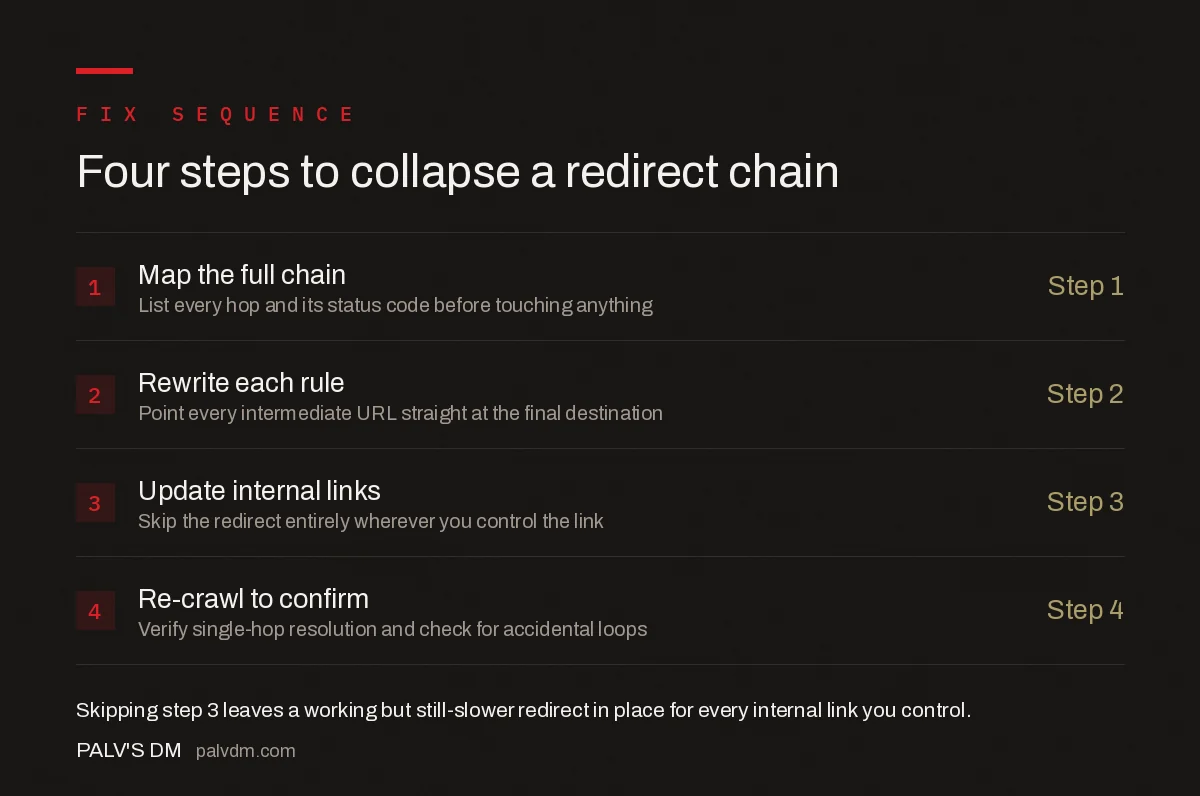
Four steps to collapse a redirect chain
- Map the full chain — list every hop and its status code before touching anything
- Rewrite each rule — point every intermediate URL straight at the final destination
- Update internal links — skip the redirect entirely wherever you control the link
- Re-crawl to confirm — verify single-hop resolution and check for accidental loops
What common mistakes create new chains during a fix?
- Editing the last hop only. Fixing
/b → /cwithout touching/a → /bleaves the chain intact for anyone still arriving at/a. - Creating a loop by mistyping a target. A rule that accidentally redirects a URL to itself, or to a URL that redirects back to it, turns a working chain into a dead loop.
- Fixing the redirect rule but not the internal links. Technically resolved in one hop now, but still routing real users and crawl budget through a redirect that a direct link would avoid.
- Ignoring chains that don’t appear in the sitemap. Orphaned old URLs still linked from external sites or old backlinks keep passing traffic through the chain even after you stop linking to them internally.
- Mixing redirect types mid-chain. A 301 followed by a 302 sends Google a mixed signal about which URL should be treated as canonical, on top of the extra hop.
How long can a redirect chain be before it stops working?
Google’s crawlers will follow up to 10 redirect hops in a single crawl attempt before abandoning the sequence, but that’s a hard ceiling, not a safe target. John Mueller has said Google is far less likely to fully process and trust a chain once it goes much past four or five hops, and every additional hop adds real latency for actual visitors regardless of what Googlebot does with it.
| Chain length | What happens | Action |
|---|---|---|
| 1 hop | Standard, fully trusted signal | None needed — this is the target state |
| 2-3 hops | Still followed, but adds real latency and a weaker signal | Fix opportunistically during other maintenance |
| 4-5 hops | Google may not fully process or trust the chain | Fix before the next crawl cycle |
| 6-10 hops | Followed inconsistently, high risk of timeout | Fix immediately |
| 10+ hops or a loop | Google gives up; browsers show an error | Emergency fix |
Do redirect chains actually affect rankings?
Not as a direct ranking factor Google penalises, but the downstream effects are real. Chains slow page load, which can push Largest Contentful Paint past the 2.5-second good threshold for anyone landing on the old URL. On large sites, every extra hop is crawl budget spent resolving a redirect instead of crawling new or updated content. And in the worst case — a loop, or a chain long enough that Google stops following it — the destination page may not get indexed at all, which is a much bigger loss than any small ranking effect.
Frequently asked questions
What counts as a redirect chain?
A redirect chain is any sequence of two or more redirects between the URL a user or Googlebot requests and the final destination page. A single 301 from an old URL straight to the live page is not a chain; a 301 that lands on another 301 before reaching a 200 status page is.
How many redirect hops will Google follow?
Google’s crawlers will follow up to 10 redirect hops before giving up, but John Mueller has said Google stops trusting the chain well before that, effectively treating anything past 4-5 hops as unreliable. Keep every chain to one hop wherever possible.
Do redirect chains actually hurt rankings?
Indirectly, yes. Chains add latency that can push Largest Contentful Paint past a 2.5-second target, waste crawl budget on sites with tens of thousands of URLs, and increase the odds Google indexes the wrong URL in the sequence or drops the page from a broken loop entirely.
What is the difference between a redirect chain and a redirect loop?
A redirect chain has a working final destination at the end of the sequence, even if it takes several hops to get there. A redirect loop is a chain that never terminates because one of the URLs in the sequence points back to a URL earlier in the same chain, so it fails outright.
Can I fix a redirect chain with a canonical tag instead of updating the redirect?
No. A canonical tag is a hint for indexing and does not change what a browser or crawler receives when it requests the URL. A chain is a server-response problem, so it has to be fixed at the server or redirect-rule level, not with an on-page tag.
Sources
- Redirects and Google Search — Google Search Central
- Technical SEO: The Complete Working Guide
- Canonical Tags: The Rules Most Sites Get Wrong
- Page Removal: 404 vs 410 vs Redirect vs noindex
- Cross-Domain Canonicals: When They’re Correct
Want this done on your site?
Every PalV’s DM engagement starts with a free audit of your actual website — a 12-point
crawl covering what is blocking indexation, on-page gaps against your primary keywords, speed
findings, and the three to five fixes worth making first. Delivered in two working days. No
payment details, and the findings are yours whether you hire us or not.


