Schema for Multi-Location and Franchise Businesses
Multi-location schema needs a separate LocalBusiness entry per branch, linked to the parent. Here's the structure, the properties, and the common mistakes.

Every location in a multi-location or franchise business needs its own LocalBusiness schema entry, on its own page, linked back to a parent Organization entity, not one shared block trying to describe every branch at once. That’s the structural rule the whole topic comes down to, and it’s the part most multi-location sites get wrong, usually by trying to save effort with a single template that doesn’t actually fit any individual branch.
The mistake is understandable. Ten, fifty, two hundred locations feels like it should be handled once, centrally, rather than location by location. Schema doesn’t work that way, and treating it like it does costs you the local search visibility multi-location schema exists to earn in the first place.
Why does each location need its own schema block?
Because search engines use LocalBusiness schema to understand a specific physical place: its address, phone number, hours, and geographic coordinates. A single block covering ten locations has to pick one address, one phone number, and Google has no way to know which branch it’s actually describing. Each branch needs to be represented as its own entity, with its own accurate details, on the page that specific branch’s local customers will land on.
This mirrors how Google Business Profile already works, one listing per physical location, and structured data should follow the same logic. If your GBP setup already has one profile per branch, your schema should mirror that one-to-one relationship exactly.
How do you connect branches to the parent brand?
Through the branchOf property on each location’s LocalBusiness entry, pointing to an Organization entity that represents the overall brand. This tells search engines “this specific branch belongs to this specific company” without merging their identities. The parent Organization entity typically lives on your homepage or an about page, and carries the company-level details: logo, founding information, social profiles, and a stable @id that every branch page can reference.
Getting the @id linking right matters more than people expect. If the parent Organization’s @id is inconsistent, one value on the homepage, a slightly different one referenced from location pages, search engines can’t reliably connect the branches to the brand, which defeats the purpose of adding the relationship at all.
What does a minimal, correct example actually look like?
Here’s the structure for one branch, trimmed to the properties that matter most. Each location page carries a block like this, with only the address, phone, hours and geo values changed per branch:
{
  "@context": "https://schema.org",
  "@type": "ProfessionalService",
  "@id": "https://example.com/locations/ahmedabad/#location",
  "name": "Example Co, Ahmedabad Branch",
  "branchOf": { "@id": "https://example.com/#organization" },
  "address": {
    "@type": "PostalAddress",
    "streetAddress": "12 SG Highway",
    "addressLocality": "Ahmedabad",
    "addressRegion": "Gujarat",
    "postalCode": "380015",
    "addressCountry": "IN"
  },
  "telephone": "+91-XXXXXXXXXX",
  "geo": { "@type": "GeoCoordinates", "latitude": 23.03, "longitude": 72.51 },
  "openingHoursSpecification": [
    { "@type": "OpeningHoursSpecification", "dayOfWeek": ["Monday","Tuesday","Wednesday","Thursday","Friday"], "opens": "10:00", "closes": "19:00" }
  ]
}
The parent Organization entity, referenced by @id above, lives once on the homepage and doesn’t need to repeat on every location page, just the reference to it does. This is the part templated systems get right by default and hand-coded pages get wrong most often, someone copies the whole Organization block onto every branch page instead of just pointing to it.
Does this need to match your Google Business Profile setup too?
Yes, and mismatches here cause a specific, quiet kind of damage. If your GBP listing for the Vadodara branch shows different hours than the schema on that branch’s website page, you’re sending two different signals about the same business to the same search engine. Google doesn’t necessarily pick one as authoritative and ignore the other, inconsistency itself is the problem, since it undermines confidence in both sources. Whenever a location’s hours or address change, it’s worth treating GBP and on-page schema as one update, not two separate tasks that inevitably drift apart after the first few months.
The essential multi-location schema checklist
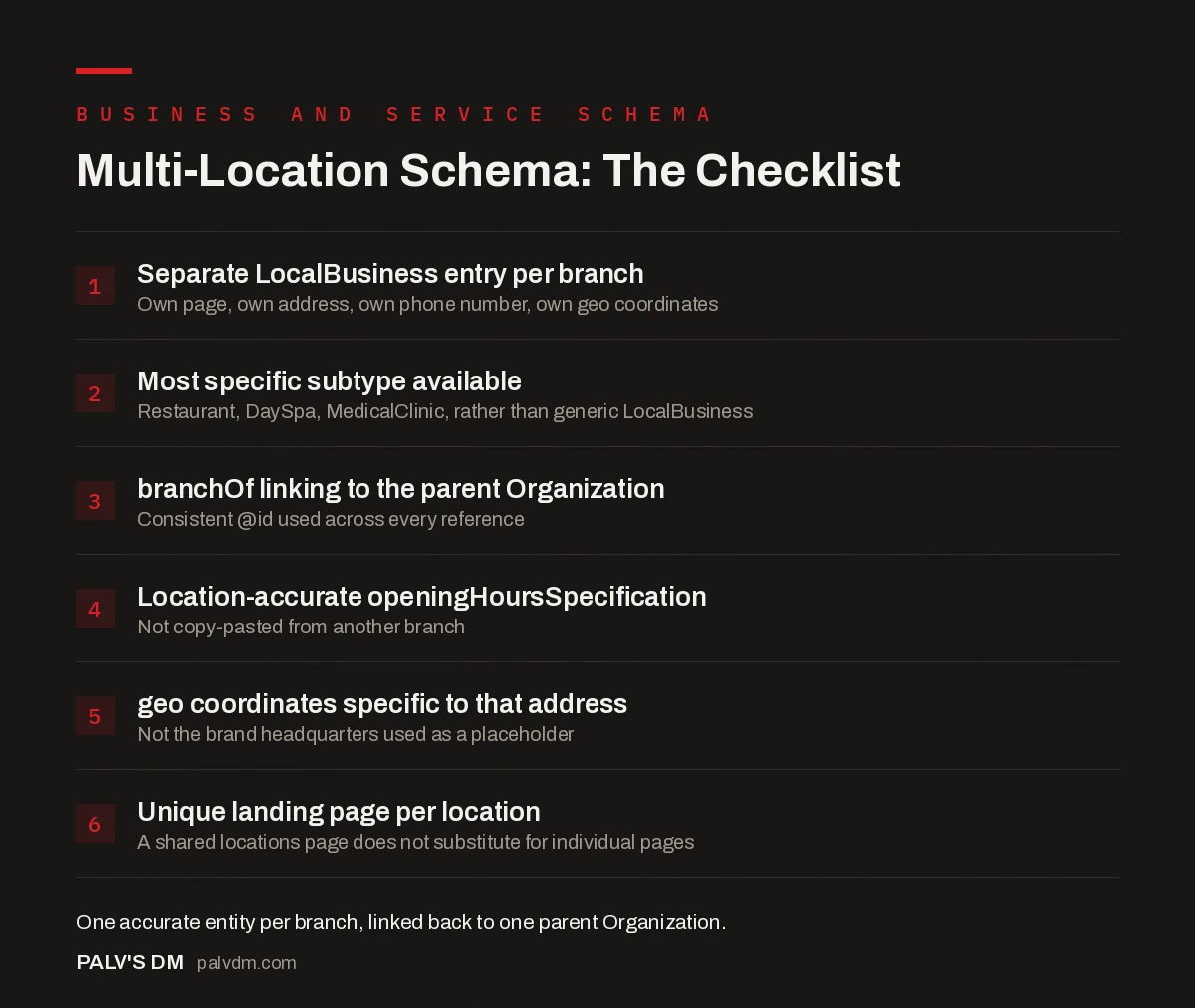
Multi-Location Schema: The Checklist
- Separate LocalBusiness entry per branch. Own page, own address, own phone number, own geo coordinates.
- Most specific subtype available. Restaurant, DaySpa, MedicalClinic, whatever matches, rather than the generic LocalBusiness type.
- branchOf linking to the parent Organization. Consistent @id used across every reference.
- Location-accurate openingHoursSpecification. Not copy-pasted from another branch.
- geo coordinates specific to that address. Not the brand headquarters used as a placeholder.
- Unique landing page per location. Schema on a shared “locations” page listing every branch does not substitute for individual pages.
What goes wrong most often in practice?
Three mistakes account for most of the broken multi-location schema we see during audits. First, placeholder data: geo coordinates copied from headquarters and never updated per branch, which quietly misleads any system relying on that field for proximity search. Second, one combined “all locations” page carrying schema for every branch instead of dedicated location pages, this dilutes the local relevance signal that separate pages are meant to create. Third, inconsistent NAP (name, address, phone) between the schema and what’s actually printed on the page, usually because the schema was generated once and the visible content got updated later without anyone touching the JSON-LD to match.
That third one connects directly to a rule we’ve covered elsewhere: structured data has to match visible content. A location’s schema showing a phone number that’s different from the one printed on the page isn’t just messy, it can trip the same content-mismatch concerns Google applies to any schema type.
Does this work differently for a service-area business with no storefront?
Somewhat. A business that serves an area without a physical location customers visit (a plumber, an IT support company, an on-site cleaning service) should use the areaServed property instead of, or alongside, a street address, and can set hasMap or omit precise geo coordinates if there’s genuinely no public-facing address. Google’s own guidance is explicit here: don’t fabricate a storefront address to satisfy LocalBusiness schema if the business doesn’t actually have a public location, that’s the kind of accuracy mismatch the whole content-matching policy exists to catch.
How much of this can reasonably be automated at scale?
A lot of it, and for a franchise with dozens of locations, automation isn’t optional, it’s the only realistic path. A templated schema block pulling address, hours and phone number from a central location database (the same one likely feeding your location pages already) keeps every branch’s markup accurate without hand-editing JSON-LD fifty separate times. What can’t be automated safely is the initial setup: getting the template structure right, testing it against a handful of real location pages, and confirming the branchOf linking resolves correctly before it gets applied everywhere. Get the template wrong and automation just means the same mistake, repeated at scale, across every single branch page instead of one.
What’s different about franchisee-owned locations specifically?
True franchises add a wrinkle that pure multi-location chains don’t have: each location may be a legally separate business, independently owned, operating under a shared brand. That distinction can matter for schema too. Some franchisors run every location’s page from one central website with templated schema, which works fine as long as the branchOf relationship is accurate. Others let franchisees run semi-independent sites, in which case each site needs its own correctly configured Organization and LocalBusiness pairing rather than assuming a central template covers it. Before setting up multi-location schema for a franchise, it’s worth confirming which model you’re actually dealing with, because the two require different implementations even though the end goal, one accurate entity per branch, is identical.
Franchise agreements sometimes specify who’s responsible for the website and its technical SEO, corporate or the individual franchisee. That’s a business question, not a schema question, but it decides who actually needs to read this article and act on it. In our experience auditing franchise sites, the messiest schema almost always traces back to this ambiguity: nobody was formally assigned ownership of the location pages, so nobody updated the markup when a branch moved, closed, or changed hands.
Frequently asked questions
Do I need separate schema for every location, or can one block cover all branches?
Separate schema per location, on that location’s own page. A single LocalBusiness block trying to cover ten branches with one address and one phone number is inaccurate for nine of them and gives Google nothing distinct to rank for each branch’s local searches.
Should I use LocalBusiness or Organization schema for a franchise?
Both, at different levels. Each physical branch gets its own LocalBusiness (or more specific subtype) entry on its own page. The parent brand gets an Organization entity that the branches reference through parentOrganization or branchOf, so search engines understand the branches belong to one company.
What’s the difference between branchOf and parentOrganization?
branchOf is used on the branch’s LocalBusiness entry to point up to the parent Organization. parentOrganization does the same thing from the other direction and is sometimes used when the child entity is itself an Organization rather than a LocalBusiness. Most implementations only need branchOf on each location entry.
Do all locations need identical opening hours in the schema?
No, and they shouldn’t if they’re actually different. openingHoursSpecification is set per location entry precisely because branches often keep different hours. Copy-pasting one branch’s hours across every location page is a common and easily avoidable accuracy mistake.
Sources
- Local Business (LocalBusiness) Structured Data, Google Search Central
- LocalBusiness type definition, Schema.org
- Schema Markup: A Practical Guide With Copy-Paste JSON-LD
- Organization Schema: The Entity Foundation for Your Brand
- Service and Offer Schema for Agencies and Consultants
- Automating Schema Across Hundreds of Pages
Want this done on your site?
Every PalV’s DM engagement starts with a free audit of your actual website — a 12-point
crawl covering what is blocking indexation, on-page gaps against your primary keywords, speed
findings, and the three to five fixes worth making first. Delivered in two working days. No
payment details, and the findings are yours whether you hire us or not.