
Subdomain vs Subfolder for Your Blog: Settling It
A subfolder beats a subdomain for SEO in nearly every case for a blog or new content section. Here's the comparison, and the specific exceptions where a subdomain makes sense.

For a blog, knowledge base, or new content section on an existing site, a subfolder (palvdm.com/blog/) beats a subdomain (blog.palvdm.com) for SEO in nearly every case, because it keeps all of the domain’s authority, backlinks, and crawl history in one place. A subdomain is the right call only in specific situations — different platforms that can’t share infrastructure, hard compliance or hosting separation, or a genuinely distinct audience like a separate country site. Outside those exceptions, the subfolder is the default that avoids the biggest risk: splitting your site’s authority in two.
This question resurfaces every time a company adds a blog, a docs site, a careers page, or a store to an existing domain. The technical setup looks trivial either way. The SEO consequences are not, and they’re much harder to undo once a subdomain has been live for a year with its own backlink profile.
Subdomain vs subfolder: the comparison at a glance
| Factor | Subdomain (blog.site.com) | Subfolder (site.com/blog/) |
|---|---|---|
| Authority consolidation | Builds its own, separate profile | Inherits and adds to the root domain’s authority |
| Crawl treatment | Often crawled as a distinct host | Crawled as part of the same site |
| Setup complexity | New DNS record, sometimes new SSL/hosting | Usually a reverse proxy or CMS routing rule |
| Best for | Separate platforms, apps, regional sites | Blogs, help centers, resources, most new sections |
| Migration risk if changed later | High — redirects, DNS, and link cleanup needed | Low — it’s already consolidated |
Verdict: unless you have a specific technical or business reason to isolate the content, put it in a subfolder.
What’s the real difference between a subdomain and a subfolder?
A subfolder is a path within your existing domain — palvdm.com/blog/ sits under palvdm.com the same way palvdm.com/services/ does. It shares the same DNS record, the same SSL certificate by default, and in most crawlers’ eyes, the same site. A subdomain — blog.palvdm.com — is technically a separate host. It can point to different servers, run different software, and carry its own DNS entry, even though it visually looks like part of the same brand.
That technical separation is exactly what causes the SEO debate. Google has said publicly that it can treat content on either structure as part of the same site, but “can” is doing a lot of work in that sentence. In practice, a subdomain’s backlinks, page authority, and topical relevance signals don’t reliably transfer to the root domain, and the root domain’s authority doesn’t reliably transfer down to the subdomain either.
Why do most SEOs recommend subfolders for blogs and new sections?
The case for subfolders comes down to one word: consolidation. Every backlink your blog earns, every page that ranks, every bit of topical authority built through content — all of it counts directly toward the strength of the one domain you’re trying to rank, palvdm.com, instead of being split across palvdm.com and blog.palvdm.com as two separate entities competing for their own trust.
This matters most for newer or smaller sites. A five-year-old domain with an established backlink profile can sometimes absorb the cost of a subdomain because there’s enough authority to go around. A newer site trying to build topical authority in a niche can’t afford to fragment it — every subdomain is effectively starting its own trust account from zero.
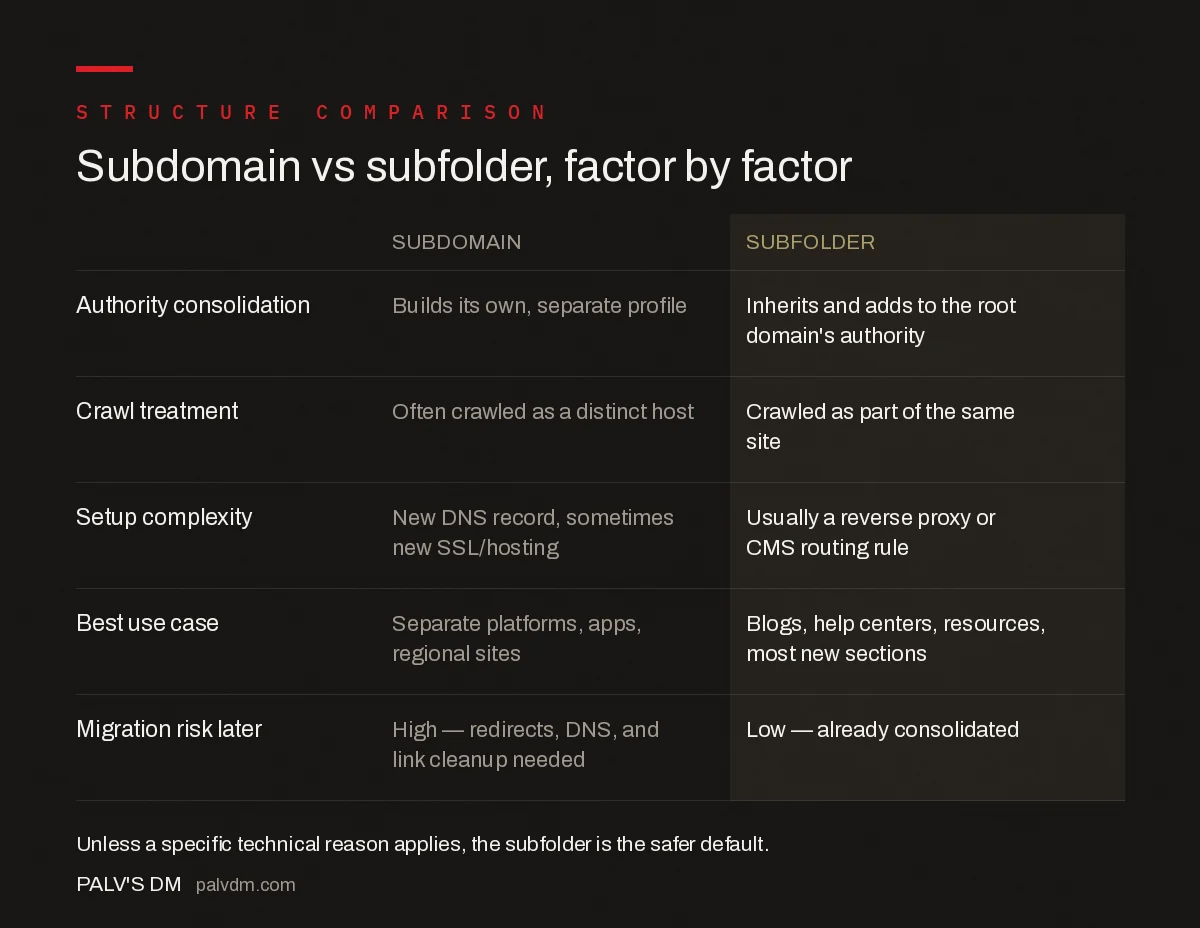
Subdomain vs subfolder, factor by factor
| Subdomain | Subfolder | |
|---|---|---|
| Authority consolidation | Builds its own, separate profile | Inherits and adds to the root domain’s authority |
| Crawl treatment | Often crawled as a distinct host | Crawled as part of the same site |
| Setup complexity | New DNS record, sometimes new SSL/hosting | Usually a reverse proxy or CMS routing rule |
| Best use case | Separate platforms, apps, regional sites | Blogs, help centers, resources, most new sections |
| Migration risk later | High — redirects, DNS, and link cleanup needed | Low — already consolidated |
When does a subdomain actually make sense?
There are legitimate reasons to choose a subdomain, and they’re almost always technical or organisational rather than SEO-driven:
- Different software stack that can’t share a path. A support portal running on Zendesk or a community forum on Discourse often can’t be reverse-proxied cleanly into a subfolder without engineering work most teams don’t want to take on.
- Separate hosting or compliance boundary. Payment pages, regulated content, or infrastructure that needs its own security perimeter sometimes has to sit on a different host.
- Genuinely distinct audience or region. A country-specific storefront (in.site.com vs site.com) with different currency, language, and legal requirements is a different case from a blog — it’s meant to be a separate experience, not the same content in a different bucket.
- A separate product or app. app.site.com serving a logged-in product experience is a different animal from a marketing blog and is commonly kept apart.
None of these apply to “we’re adding a blog” or “we’re launching a help center for our existing product.” Those are content additions to the same audience and the same brand promise, which is precisely the case a subfolder is built for.
What happens if you migrate from a subdomain to a subfolder?
Migrating consolidates the two authority pools, but only if it’s done correctly. The mechanics that matter:
- 301 redirect every URL from the subdomain to its new subfolder equivalent — not a blanket redirect to the homepage, which forfeits page-level authority.
- Update every internal link across the site to point directly to the new subfolder URLs instead of relying on the redirect chain.
- Resubmit an updated XML sitemap with the new subfolder URLs and remove the old subdomain sitemap from Search Console once the migration settles.
- Expect a temporary dip. Even well-executed migrations typically see a few weeks of fluctuation while Google re-crawls and re-consolidates signals — that’s normal, not a sign something broke.
Migrations done without redirect mapping, or done in a rush before a launch deadline, are the single most common way sites lose organic traffic during a rebrand. Map every URL before touching DNS, not after.
Frequently asked questions
Does Google really treat subdomains as separate sites?
Google’s algorithms can process a subdomain as part of the same site or as a distinct entity depending on signals, but in practice, ranking authority built on a subdomain does not transfer cleanly to the root domain, and vice versa. Most SEOs treat that separation as real enough to plan around.
Is a blog on a subdomain ever the right choice?
Yes, when the blog runs on entirely different software that cannot share a path with the main site, when it needs a separate SSL or hosting environment for compliance reasons, or when it serves a genuinely distinct audience or country. Outside those cases, a subfolder is the safer default.
Will moving a blog from a subdomain to a subfolder boost rankings?
It can, but not automatically. The gain comes from consolidating link equity and crawl signals under one domain, and it only materialises if the migration uses proper 301 redirects, updated internal links, and a clean sitemap. A rushed migration can lose more traffic than it recovers.
Do subdomains hurt crawl budget?
Not directly, but Google allocates crawl attention per host, so a large, low-value subdomain can end up competing for its own crawl budget instead of borrowing the authority and crawl frequency the root domain has already earned.
Sources
- Subdomains vs. Subfolders: Which Is Better for SEO & Why — Search Engine Journal
- Site Architecture SEO: The Complete Guide
- Technical SEO: The Complete Working Guide
- URL Structure Best Practices, With Real Examples
- Internal Linking at Scale: Technical Approaches That Work
Want this done on your site?
Every PalV’s DM engagement starts with a free audit of your actual website — a 12-point
crawl covering what is blocking indexation, on-page gaps against your primary keywords, speed
findings, and the three to five fixes worth making first. Delivered in two working days. No
payment details, and the findings are yours whether you hire us or not.


