
Image Optimisation for Speed and Search
Image optimisation for SEO means the right format, real compression, descriptive file names and alt text, and correct dimensions — one system, not a single tactic.

Image optimisation for SEO comes down to five things done consistently across a site: a modern compressed format, a descriptive file name, accurate alt text, explicit dimensions, and a loading strategy that doesn’t delay the largest visible element. Each one affects a different signal — crawlability, accessibility, Largest Contentful Paint, or Cumulative Layout Shift — and skipping any one of them undermines the others.
Sites usually get one or two of these right and miss the rest. A site with beautifully compressed WebP images but generic file names and empty alt attributes has fast pages Google still can’t fully understand. A site with perfect alt text on huge, uncompressed PNGs has descriptive images that load too slowly to matter for Core Web Vitals. The method below treats image optimisation as one system, not a single tactic.
What image format should you actually use?
WebP is the safe default for nearly every site today — it compresses 25 to 35% smaller than JPEG at visually equivalent quality and has near-universal browser support. AVIF compresses further still, often 50% smaller than JPEG, but encoding is slower and support, while now broad, isn’t universal, which matters for e-commerce catalogs generating thousands of images programmatically. SVG remains correct for logos, icons, and illustrations — anything vector-based — because it scales without any file-size penalty and stays crisp at any resolution.
| Format | Best for | Typical size vs JPEG |
|---|---|---|
| WebP | General photography and product imagery | 25–35% smaller |
| AVIF | High-traffic pages where every KB of LCP matters | Up to 50% smaller |
| SVG | Logos, icons, line illustrations | Not comparable — vector, not raster |
| JPEG | Legacy fallback only | Baseline |
| PNG | Screenshots or images needing transparency without a vector option | Larger than WebP at equal quality |
How do you name and describe images so Google understands them?
Google’s own guidance is specific: descriptive file names, helpful alt text, relevant surrounding copy, and reasonable placement on the page are the signals it uses to understand what an image shows and where it fits contextually. A file named product-847-final-v2.jpg gives Google nothing; merino-wool-crew-neck-charcoal.jpg gives it a real signal, independent of the alt text on the same image.
Alt text should describe what’s actually visible, in plain language, the way you’d describe the image to someone who can’t see it. That’s also its accessibility function — screen readers read the alt attribute aloud — so writing it as a keyword string rather than a description fails both purposes at once. A useful test: if the alt text wouldn’t make sense read aloud to a person, it’s wrong for Google too.
Why do image dimensions matter for speed, not just layout?
Every <img> tag should carry explicit width and height attributes, or a CSS aspect-ratio that achieves the same thing. Without them, the browser doesn’t know how much vertical space to reserve before the image finishes loading, so surrounding content shifts down once it arrives — a layout jump users feel and Google measures directly as Cumulative Layout Shift, one of the three Core Web Vitals. Fixing this is close to free: it’s two numbers in an HTML attribute, not a rebuild.
How should images load: eager, lazy, or a mix?
The rule is simple even though implementation gets messy on template-driven sites: whatever’s visible without scrolling loads eagerly, everything below the fold loads lazily. The most common mistake is applying loading="lazy" uniformly across every image on a template, including the hero image — which is frequently the page’s Largest Contentful Paint element. Lazy-loading it delays the exact metric you’re trying to improve. Set fetchpriority="high" on that one image and leave lazy-loading for images the user hasn’t scrolled to yet.
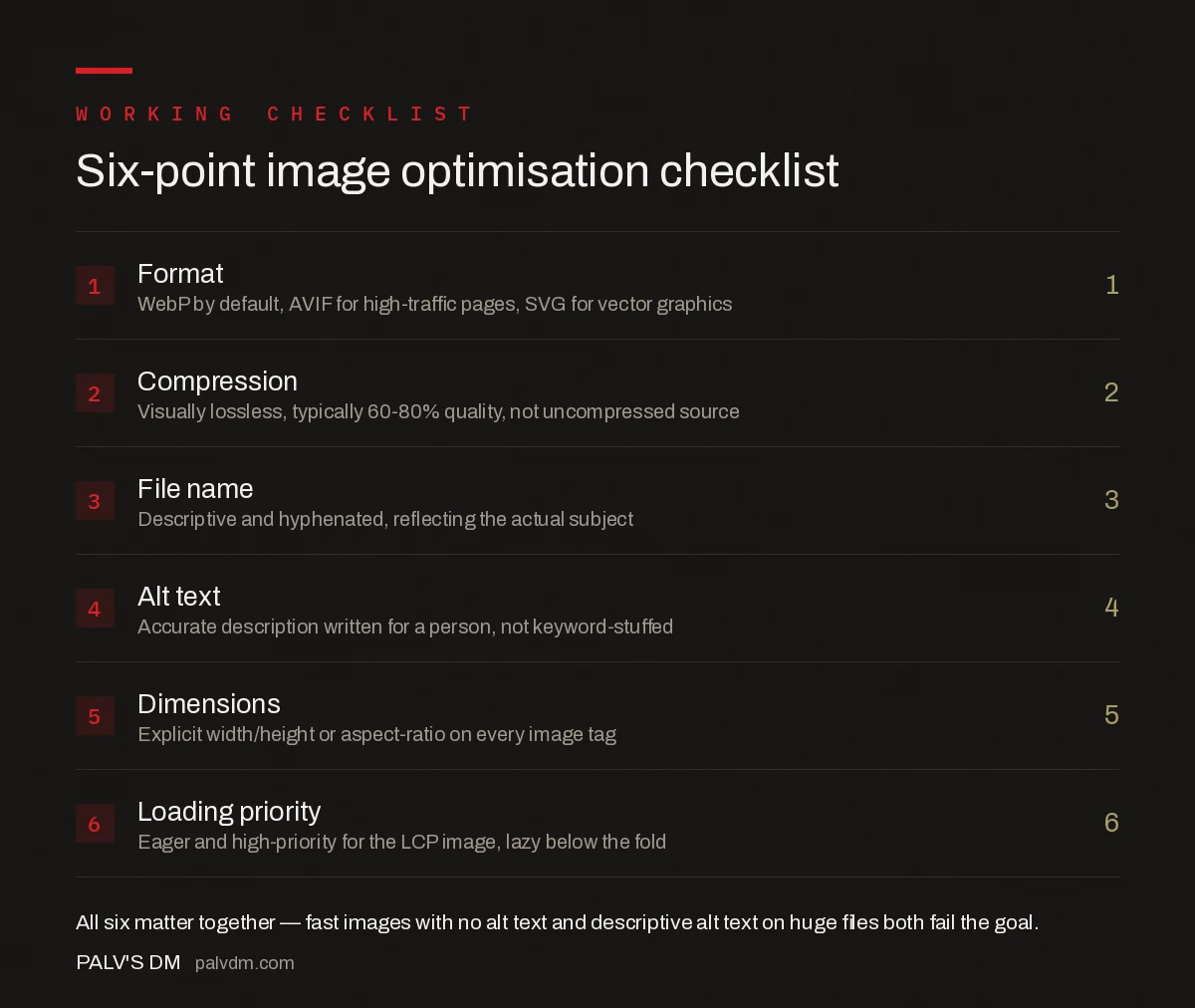
Six-point image optimisation checklist
- Format — WebP by default, AVIF for high-traffic pages, SVG for vector graphics.
- Compression — Visually lossless, typically 60–80% quality setting, not uncompressed source files.
- File name — Descriptive and hyphenated, reflecting the actual subject.
- Alt text — Accurate description, written for a person, not stuffed with keywords.
- Dimensions — Explicit width/height or aspect-ratio on every image tag.
- Loading priority — Eager and high-priority for the LCP image; lazy for everything below the fold.
Do responsive images and srcset affect SEO?
Yes, indirectly but meaningfully. A single large image served to every device — including phones on a mobile connection — wastes bandwidth and slows mobile LCP, which matters more than desktop LCP since Google evaluates mobile-first. The srcset and sizes attributes, or a <picture> element, let the browser choose an appropriately sized version per device rather than downscaling a 2400px image in the browser after downloading the whole thing.
What about image sitemaps — are they still worth building?
For most standard content sites, no — Google discovers images fine through normal crawling of pages that embed them with proper <img> tags. Image sitemaps earn their keep on sites where images are the product: stock photo libraries, portfolio sites, marketplaces where a meaningful share of traffic comes from Google Images specifically. If image search isn’t a real traffic channel for the site, the effort is better spent on the six-point checklist above.
What mistakes quietly undo good image optimisation?
- Compressing once at upload, then re-uploading uncompressed replacements later. A CMS workflow that skips the compression step for “quick” content updates reintroduces the exact problem the initial optimisation fixed.
- Serving the same image size to every breakpoint. Without srcset, mobile users download desktop-sized files, directly hurting mobile Core Web Vitals.
- Decorative images with real alt text, or content images with empty alt text. Purely decorative images should have
alt=""so screen readers skip them; content images need real descriptions. Getting this backwards clutters the accessibility experience without helping SEO either. - CDN or plugin re-encoding that silently degrades quality. Stacking multiple compression layers — CMS, plugin, CDN — can over-compress images without anyone noticing until a visual QA pass catches it.
Frequently asked questions
Does WebP or AVIF help SEO directly?
Not as a direct ranking factor, but both compress substantially smaller than JPEG at equal visual quality, which speeds up page load and improves Largest Contentful Paint. LCP is a Core Web Vitals signal Google does use in ranking, so the format choice helps indirectly through speed.
What should go in an image file name for SEO?
A short, descriptive, hyphenated name that reflects what’s actually in the image — red-leather-office-chair.webp, not IMG_4821.webp or a generic keyword stuffed name. Google uses the file name as one contextual signal for what the image shows.
Does alt text need to include the target keyword?
Only if the keyword is a natural, accurate description of the image. Alt text exists primarily for accessibility and to tell Google what’s in the image when it can’t be rendered; forcing a keyword into an inaccurate description helps neither purpose and can read as spam.
Should every image on a page be lazy-loaded?
No. The image visible without scrolling, especially if it’s the LCP element, should load eagerly so it isn’t delayed. Lazy-loading everything below the fold is correct; lazy-loading the hero image typically makes Largest Contentful Paint worse, not better.
Do images need width and height attributes for SEO?
Yes, indirectly. Explicit width and height (or an aspect-ratio in CSS) let the browser reserve space before the image loads, preventing layout shift. Cumulative Layout Shift is a Core Web Vitals metric, and images without dimensions are one of its most common causes.
Sources
- Google Images Best Practices — Google Search Central
- Core Web Vitals: The Complete Working Guide
- Technical SEO: The Complete Working Guide
- Reducing Main-Thread Work for a Better INP
- Lazy Loading Done Right (Without Hurting LCP)
Want this done on your site?
Every PalV’s DM engagement starts with a free audit of your actual website — a 12-point
crawl covering what is blocking indexation, on-page gaps against your primary keywords, speed
findings, and the three to five fixes worth making first. Delivered in two working days. No
payment details, and the findings are yours whether you hire us or not.


