Service Support — Web Development
What’s Included in a Complete Website Build
A complete guide to website development inclusions: the six phases—planning, design, development, SEO, QA, and handover—every real website build should cover.
A complete website build includes six things, not two: a technical plan, design and UX, development, on-page SEO baked in before launch, QA testing, and a proper handover with training. Most quotes only spell out design and development — the other four get treated as optional extras, or quietly skipped. That’s the real story behind website development inclusions: it’s not about how many pages you’re getting, it’s about which of these six phases are actually in the contract. If you’re comparing quotes right now, this is the list to check each one against before you sign anything.
Key takeaway
- A real website build includes technical planning, design, development, SEO, QA, and handover — not just “design and development.”
- Cheap quotes usually strip out the SEO groundwork and QA phase, which is why the “finished” site needs redone work within a year or two.
- Ask for a written scope broken into these six phases before you sign — a vague answer on any one of them is a red flag.
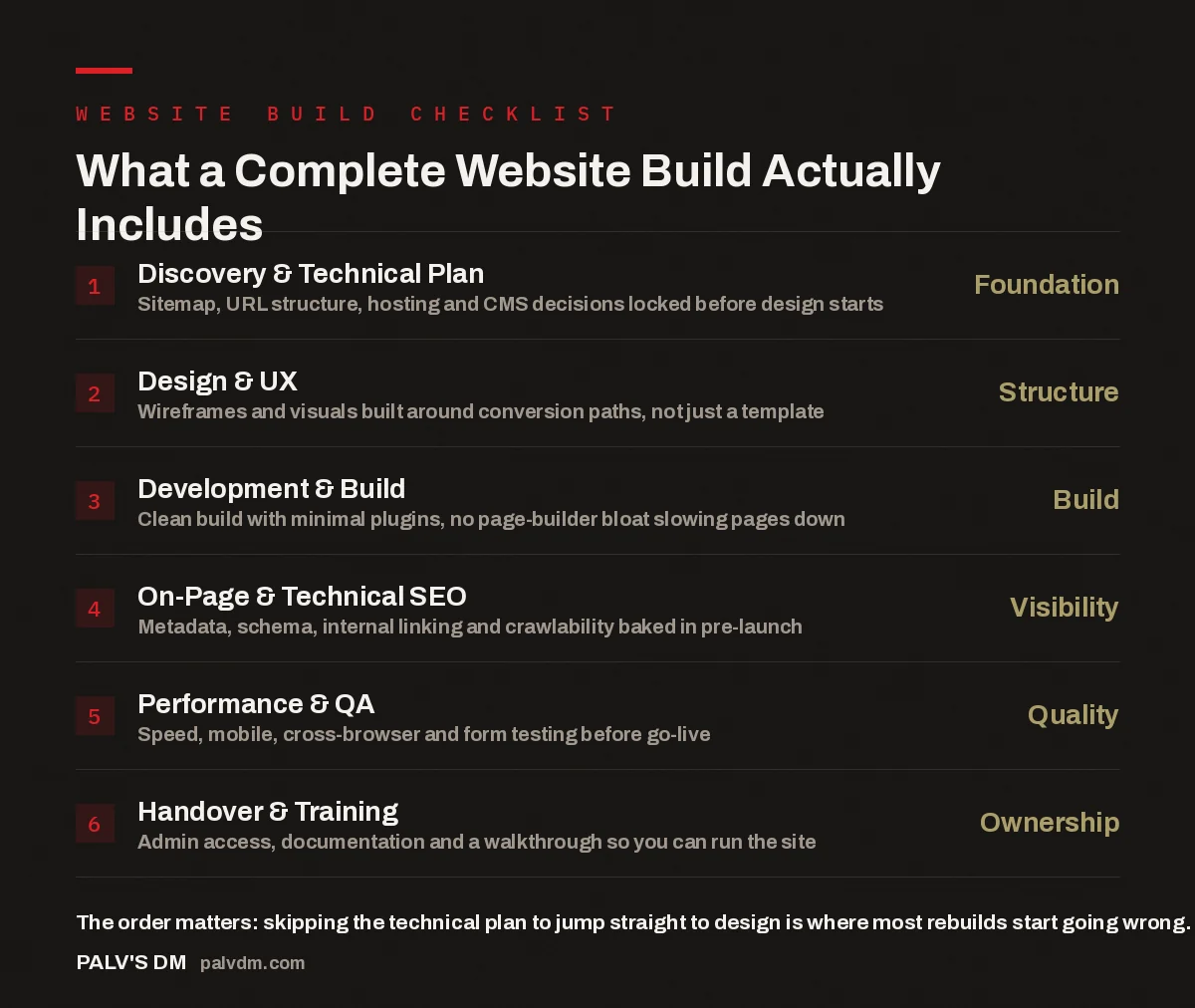
What a Complete Website Build Actually Includes
- Discovery & Technical Plan — Foundation. Sitemap, URL structure, hosting and CMS decisions locked before design starts.
- Design & UX — Structure. Wireframes and visuals built around conversion paths, not just a template.
- Development & Build — Build. Clean build with minimal plugins, no page-builder bloat slowing pages down.
- On-Page & Technical SEO — Visibility. Metadata, schema, internal linking and crawlability baked in pre-launch.
- Performance & QA — Quality. Speed, mobile, cross-browser and form testing before go-live.
- Handover & Training — Ownership. Admin access, documentation and a walkthrough so you can run the site.
What Does “Website Development Inclusions” Actually Mean?
“Website development inclusions” is just a formal way of asking: what’s actually bundled into this quote? The confusion happens because two agencies can quote the “same” ten-page website and mean completely different things by it. One quote might cover ten designed pages built on a theme, full stop. Another might cover the same ten pages plus a sitemap built around your actual keywords, on-page SEO on every page, load-time and mobile testing, and a handover call where someone walks you through the admin panel. Both get called a “website build.” Only one of them is complete. Understanding the real difference between a cheap website and a built-to-rank one starts with knowing which of the six phases below you’re actually paying for.
What Happens in the Technical Planning Phase?
Technical planning is the phase that happens before a single design mockup exists, and it’s the one most commonly skipped altogether. It covers the sitemap — which pages exist and why, based on what people actually search for and how they move through a buying decision, not just a copy of your old site’s navigation. It covers URL structure, decided up front so it doesn’t get patched together after launch. It covers hosting and CMS decisions, made for your traffic and content needs rather than defaulted to whatever the agency happens to resell. And if you’re replacing an existing site, it covers what happens to your current URLs — which pages get redirected, and to where, so you don’t lose the rankings you already have. None of this is visible in a final design. All of it determines whether the site works.
What’s Included in Design and UX?
Design and UX cover wireframes and visuals, but the part that gets skipped in a cheap build is the “why” behind the layout. A wireframe built around conversion paths asks where someone lands, what they need to see next, and what action the page is actually trying to get them to take — a call, a form, a purchase. A wireframe built purely for looks skips that question and works from a template instead. Design in a complete build follows the sitemap and the technical plan; it doesn’t happen in parallel with them or before them. Mobile-first layout, clear information hierarchy, and consistent application of your brand across every page all sit inside this phase — and all of them should be reviewable before development starts, not discovered after the site is live.
What Happens During Development, and Why the Platform Choice Matters?
Development is where the design gets built into a working site, and the choices made here quietly decide how the site performs for years afterward. A clean build uses as few plugins as the site genuinely needs, rather than stacking on a drag-and-drop page builder that adds its own scripts and stylesheets to every single page. That bloat is invisible at launch — the site looks fine in a browser — but it shows up later as slow load times, plugin conflicts after routine updates, and a site that gets harder to maintain the longer it runs. This is why we don’t build client sites on page builders: the convenience during the build isn’t worth the drag it adds to every page for the life of the site.
A website build isn’t finished when it looks right in a browser. It’s finished when the technical plan, the SEO, and the QA all match what was actually promised in the quote — and most quotes never mention two of those three.
Palash, Founder, PalV’s DM
What’s Included in SEO Setup Before Launch?
On-page and technical SEO done before launch covers title tags and meta descriptions written for each page’s actual purpose, image alt text, schema markup that tells search engines and AI systems what a page is about, internal links that connect related pages to each other, and a crawlable sitemap.xml and robots.txt so the site can be indexed properly from day one. None of this is complicated to add during a build — it’s genuinely a few extra hours of setup work per page. The problem is that it’s easy to leave out of a quote entirely, because a site without it still looks and functions the same at launch. The cost only shows up months later, as a separate SEO project to retrofit what should have shipped with the build. This is exactly the technical SEO we bake in before launch on every build we scope, precisely because retrofitting it is slower and more expensive than doing it once.
What Happens in QA and Testing?
QA is the phase between “the site is built” and “the site is ready to go live,” and it’s the one most likely to get cut when a project runs over budget or over deadline. It covers page speed testing on both desktop and mobile, checking the layout actually holds up across different screen sizes and browsers rather than just the one the developer used, testing that every form submits correctly and sends notifications where they should, and checking for broken links and basic accessibility issues like readable contrast and working keyboard navigation. Skipping QA doesn’t make these problems disappear — it just means your visitors find them for you, after launch, which is a worse way to find out a contact form silently fails on mobile Safari.
| Build phase | Typical cheap quote | Complete website build |
|---|---|---|
| Technical planning | Skipped — sitemap copied from old site | Sitemap and URL structure planned around real search intent |
| Design & UX | Template applied with minimal customisation | Wireframes built around conversion paths, then styled to brand |
| Development | Page builder plus a stack of plugins | Clean build with only the plugins the site actually needs |
| SEO setup | Left for a “later” project | Metadata, schema and internal linking done pre-launch |
| QA & testing | Quick visual check only | Speed, mobile, form and cross-browser testing before go-live |
| Handover | Login details emailed over | Documentation plus a walkthrough call |
What’s Included in Handover and Training?
Handover is the phase that determines whether you actually own the site you paid for, or whether you’re quietly dependent on the agency that built it. A complete handover includes full admin access to the CMS, written documentation covering how to edit content and where key settings live, and a walkthrough session where someone shows you the actual admin panel rather than just describing it in an email. It also means you own the domain, hosting account, and code outright — not accounts registered under the agency’s name that you’d have to fight to get back if you ever switched providers. That’s how handover and training works on a build that’s designed to be handed over, rather than one that assumes you’ll keep paying the same agency indefinitely to make basic changes.
How Do You Use This List When Comparing Quotes?
Ask each agency to break their scope into these six phases in writing — planning, design, development, SEO, QA, and handover — and to say specifically what’s included in each one, not just “SEO-friendly” or “fully tested” as a single line item. Ask what happens if something’s broken at launch: is a fix window included, or does it become a separate billable request? Ask who owns the domain, hosting, and code once the project ends. A lower price that’s missing two or three of these phases isn’t actually cheaper — it’s the same total cost, split into a build project now and a fix-it project later, usually with less continuity in between.
Get a scope that covers all six phases
If you’re comparing website builds right now, see what a complete build from PalV’s DM actually includes, phase by phase, before you commit to a quote.
What’s usually left out of a cheap website quote?
Technical SEO setup and QA testing are the two phases most commonly stripped from low-cost quotes. Design and development still happen, but metadata, schema, internal linking, and cross-device testing get treated as optional add-ons — which is why cheap sites often need SEO and speed fixes within the first year of going live.
Does every website build need an SEO phase, even a small brochure site?
Yes, at least the basics: clean URL structure, proper title tags and meta descriptions, image alt text, and a crawlable sitemap. Skipping this doesn’t meaningfully shorten the build — it just moves the work to a separate SEO project later, usually at a higher total cost than doing it during the build.
How long should handover and training take?
For most business sites, one structured session covering admin access, content editing, and where key files and settings live is enough, backed by written documentation to refer back to later. If an agency can’t describe what handover includes before the project even starts, that’s a sign it hasn’t been planned as part of the build.
Should I choose a website build based on price per page?
Price per page ignores everything that happens outside the page itself — technical planning, SEO groundwork, testing, and handover. Two builds both quoted as “ten pages” can differ by weeks of work once you compare what’s actually included in each, not just the number of pages listed.
What questions should I ask before signing a website build quote?
Ask for the scope broken into phases — planning, design, development, SEO, QA, and handover — with specifics on what each one covers. Ask what happens if something doesn’t work at launch, and confirm who owns the domain, hosting, and code afterward. A vague answer to any of these is worth pausing on before you sign.
The short version: a complete website build is six phases, not two — technical planning, design, development, SEO, QA, and handover. Design and development are the two everyone quotes for. The other four are the ones worth checking line by line before you sign, because they’re the ones that decide whether the site still works the way it should twelve months after launch.