Service Support — Web Development
Why We Build on Self-Hosted WordPress
Why WordPress for a business website? Self-hosted WordPress means full code ownership, no platform fees, and unlimited plugins. Here is why we build on it.
Why WordPress for a business website, when there are a dozen slicker-looking builders one click away? Because self-hosted WordPress is the only mainstream option where you own the code, the database, and the content outright — no vendor can lock the account, cap what you build, or shut down and take the site with them. Every other mainstream platform rents you a website. WordPress, self-hosted, sells you one. That difference is why we build on it by default, and it’s the reason behind almost every other decision in this article.
Key takeaway
- Self-hosted WordPress gives you full code and database ownership — you can move host, developer, or agency without anyone’s permission.
- There’s no platform toll: hosting is a competitive market, not a single vendor’s monthly subscription you’re stuck paying to stay online.
- The trade-off is real — you take on more responsibility for updates and security than a closed platform, which is why the setup matters as much as the platform choice.
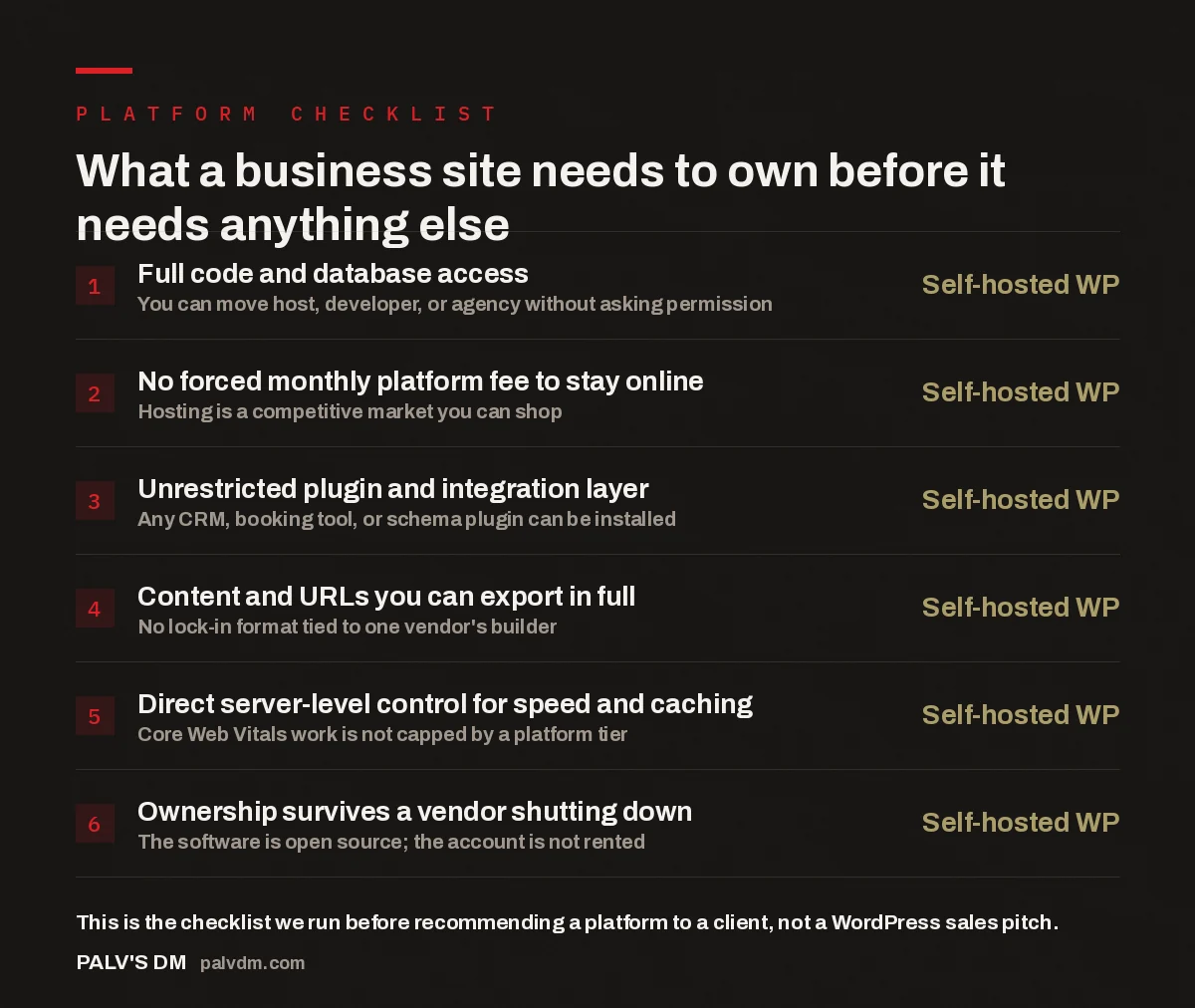
What a business site needs to own before it needs anything else
- Full code and database access — Self-hosted WP. You can move host, developer, or agency without asking permission.
- No forced monthly platform fee to stay online — Self-hosted WP. Hosting is a competitive market you can shop.
- Unrestricted plugin and integration layer — Self-hosted WP. Any CRM, booking tool, or schema plugin can be installed.
- Content and URLs you can export in full — Self-hosted WP. No lock-in format tied to one vendor’s builder.
- Direct server-level control for speed and caching — Self-hosted WP. Core Web Vitals work is not capped by a platform tier.
- Ownership survives a vendor shutting down — Self-hosted WP. The software is open source; the account is not rented.
What does “self-hosted” actually mean?
Self-hosted WordPress means the WordPress software runs on hosting you control — a server you chose, on a plan you can change — rather than inside a platform’s own walled infrastructure. You install WordPress.org’s free, open-source software onto that hosting, and from that point the code, the database, the media files, and every plugin you add belong to that hosting account, not to a third party’s dashboard. This is the opposite of WordPress.com’s managed plans, Wix, Squarespace, Shopify, or any all-in-one website builder, where the platform owns the environment your site lives in and you’re granted access to a subset of it.
The practical test is simple: can you take a full backup of your site right now and hand it to a different developer on a different host tomorrow, with the site working the same way? On self-hosted WordPress, yes — that’s a routine migration we do regularly for clients moving off a platform that boxed them in. On a closed builder, the answer is almost always no, because the design, the content structure, and often the content itself only exist in a format that platform reads.
Why does ownership matter more than convenience?
Closed platforms win on day-one convenience — sign up, pick a template, publish. Ownership matters on day 400, day 1,000, and every day a business’s needs shift in a direction the platform didn’t plan for. We’ve inherited enough client accounts stuck on page-builder subscriptions to see the pattern clearly: the constraint never shows up in the sales demo. It shows up eighteen months later, when the business wants a booking integration the platform doesn’t support, or a hosting upgrade the platform doesn’t offer, or simply wants to leave and discovers the export function drops half the formatting.
Ownership also changes who’s accountable for the site’s performance. On a rented platform, if page speed is capped by the platform’s shared infrastructure tier, there’s no lever to pull beyond upgrading to a more expensive plan — and even then, you’re upgrading within their ceiling, not removing it. On self-hosted WordPress, a slow site is a solvable engineering problem: better hosting, a caching layer, image optimisation, fewer unnecessary plugins. The fix is in your hands rather than in a support ticket queue.
| Factor | SaaS website builder | Self-hosted WordPress |
|---|---|---|
| Who owns the code | The platform | You |
| Monthly platform fee to stay live | Mandatory, tiered | None — you pay for hosting only |
| Full content export | Partial or none | Complete, standard format |
| Choice of developer or agency | Restricted to platform specialists | Anyone who knows WordPress |
| Hosting and speed control | Fixed by platform tier | Fully configurable |
| Plugin and integration options | Limited to platform’s app store | Effectively unlimited |
| What happens if the vendor shuts down | Site goes with it | Site survives — the software is open source |
How does self-hosted WordPress affect SEO and AI visibility?
This is the practical reason why WordPress for a business website tends to outperform closed builders for organic and AI-search visibility over time, not because WordPress ranks by default, but because it removes ceilings that closed platforms impose. Technical SEO work — clean URL structures, schema markup, canonical tags, XML sitemaps tuned rather than auto-generated, granular control over what gets indexed — is either a plugin install away on WordPress or a manual code edit for anyone with server access. On a SaaS builder, the same work is often gated behind a specific pricing tier, implemented generically across every customer’s site, or simply unavailable.
The same logic extends to AI visibility. Structured data, fast-loading pages, and clean semantic HTML are what let AI crawlers and answer engines parse a page’s content accurately — and all three are things you configure directly on self-hosted WordPress rather than requesting from a platform’s roadmap. In the accounts we work on, the sites that struggle most with AI-search visibility are usually not WordPress sites with bad SEO — they’re closed-platform sites where the technical fixes we’d normally reach for aren’t accessible at all.
We don’t recommend WordPress because it’s trendy. We recommend it because when a client asks us to fix something six months after launch, self-hosted WordPress is the only platform where the answer is never “the platform doesn’t allow that.”
Palash, Founder, PalV’s DM
What are the real trade-offs of self-hosting?
Self-hosted WordPress is not the easier option out of the box, and it’s worth saying plainly: the responsibility that comes with ownership is real. Core software, themes, and plugins need updating on a schedule, not whenever a platform decides to push an update centrally. Security is your concern rather than baked into a managed environment — a self-hosted site with outdated plugins and no firewall is genuinely more exposed than a locked-down SaaS builder with fewer moving parts. And because you can install anything, an unmanaged WordPress site can accumulate plugin bloat that slows it down far more than a closed platform ever would, simply because nothing stops it from happening.
None of that is an argument against self-hosting — it’s an argument for building it properly the first time. A self-hosted WordPress site that’s set up with a lean plugin stack, managed updates, staging environments, and a hosting provider suited to the traffic it actually gets carries very little of that risk. The trade-off only bites teams who treat “self-hosted” as “unmanaged” and never revisit the build after launch.
When does a business genuinely not need WordPress?
WordPress is not the right answer for every business site, and it’s worth being honest about where it isn’t. A single-page brochure site for a business that will never touch it again, run by someone with zero appetite for even occasional maintenance, can be perfectly well served by a locked-down SaaS builder — the constraints that bother us as an agency may never surface for a business that never plans to grow past five pages. Highly specialised commerce at large scale sometimes points toward platforms purpose-built for that one job. The decision isn’t “WordPress always wins” — it’s “who is going to own this site’s growth, and does that person need the platform to bend when the business does.”
For most businesses actively trying to grow — adding services, running campaigns, publishing content, integrating tools as the business scales — that flexibility question answers itself. The moment a site needs to do something its platform wasn’t built for, self-hosted WordPress is the option that doesn’t require switching platforms to get there.
This decision connects to a handful of related build choices we make the same way — see why we don’t use page builders on client sites for the layer above hosting, and why our sites carry no plugin bloat for how we keep a self-hosted build lean rather than letting it sprawl. If you’re weighing the switch yourself, what we learned moving our own site from Wix to WordPress covers the migration from the other side, and what a website actually costs to run each year breaks down how self-hosted costs compare to a platform subscription over time.
Thinking about a rebuild?
If your current site is boxing you in — a platform ceiling, a locked export, a fix your provider won’t make — we can walk through what a self-hosted WordPress rebuild would actually involve for your business.
Is self-hosted WordPress the same as WordPress.com?
No. WordPress.com is a managed hosting platform that runs the WordPress software inside its own closed environment, with plans that restrict plugins, themes, and code access depending on your tier. Self-hosted WordPress uses the same free, open-source software from WordPress.org, installed on hosting you choose and control, with no platform-imposed limits on what you can install or change.
Is self-hosted WordPress harder to maintain than a website builder?
It requires more deliberate maintenance — core, theme, and plugin updates, backups, and basic security hardening are your responsibility rather than handled centrally by a platform. That workload is manageable with a lean plugin stack and a maintenance routine, and it’s the trade-off for not being limited to what the platform decides to allow.
Why is WordPress recommended for business websites over Wix or Squarespace?
The core reason is ownership: self-hosted WordPress gives full code, database, and content access with no platform-imposed ceiling on plugins, integrations, hosting, or export options. Wix and Squarespace are genuinely easier to start on, but every customisation, integration, or migration is bounded by what that specific platform allows, which becomes limiting as a business’s needs grow.
Can I move my site off self-hosted WordPress later if I change my mind?
Yes, and this is one of the clearest advantages of self-hosting. Because you own the full database and file structure, you can export everything and migrate to a different host, developer, or even a different platform without asking anyone’s permission. Moving away from a closed SaaS builder is rarely this straightforward, since the export usually doesn’t preserve the full design or content structure.
Does self-hosted WordPress cost more than a website builder subscription?
Not necessarily. You pay for hosting, a domain, and any premium plugins you choose, rather than a bundled platform fee — and because hosting is a competitive market, you can shop for a plan that matches your actual traffic instead of paying for a fixed tier. Costs vary by build, but the platform itself carries no licence fee since the software is open source.
Short version: self-hosted WordPress is why WordPress for a business website keeps winning against closed builders — you own the code, the content, and the hosting decision outright, with no platform ceiling on plugins, integrations, or exports. The trade-off is that you’re responsible for keeping it updated and lean, which is exactly why we treat the build and the maintenance plan as one decision, not two.