
Orphan Pages: How to Find Them and Why They Matter
Orphan pages have no internal links pointing to them, which starves them of crawl priority. How to find every orphan page on your site and decide which ones to fix.

An orphan page is a live, indexable URL with no internal links pointing to it from anywhere else on your site — reachable only by a direct URL, an external link, or a sitemap entry, never by browsing. Find them by crawling the site with a tool like Screaming Frog and cross-referencing the crawl’s discovered URLs against your XML sitemap and Google Search Console data; any URL that shows up in the sitemap but never gets reached through internal links is orphaned. Fix the ones worth keeping by adding internal links from related pages, and redirect or remove the rest.
Orphan pages accumulate quietly. A product gets discontinued and the category page stops linking to it, but the URL stays live. A blog gets redesigned and the old tag archive pages lose their nav entry. A landing page built for a single campaign never gets linked from the main site after the campaign ends. None of this looks broken from the homepage. It only shows up in a crawl.
What exactly is an orphan page?
An orphan page is any URL on your site that a user or crawler cannot reach by following links from other pages on the site. It might be indexed in Google, it might even get some traffic from an old external backlink or a direct bookmark, but internally it’s isolated — no navigation menu, no related-content block, no in-body link from another article points to it. The term comes from the site’s link graph: every other page is a node with connections in and out, and the orphan sits alone with no inbound edge.
This is different from a page blocked by robots.txt or marked noindex, which are deliberate signals telling search engines not to index a page. An orphan page usually isn’t meant to be hidden at all — it’s just been forgotten by the site’s internal link structure while staying fully crawlable and indexable on its own.
Why do orphan pages matter for SEO?
Internal links do two jobs: they help crawlers discover pages, and they pass relevance and authority signals between related content. An orphan page gets neither. Googlebot still finds it through the sitemap or an external link, but without internal links pointing to it, the page gets recrawled less often and receives none of the topical reinforcement that comes from being linked in context from related pages. It can rank, but it’s competing with one hand tied — no anchor text variety, no PageRank flow from stronger pages on the site, and no signal to Google about which topic cluster it belongs to.
There’s a discovery problem too, separate from ranking. If a new page is only reachable through the sitemap, getting it indexed quickly becomes harder, because Google generally prioritises crawling URLs it finds through links over URLs it only finds in a sitemap file.
How do you find orphan pages on your site?
The core method is a comparison: crawl the site the way a search engine does, then compare that crawl’s URL list against every other source of URLs you have.
| Source | What it tells you | Tool |
|---|---|---|
| Crawl via internal links | Every URL reachable by following links from the homepage and other pages | Screaming Frog (Spider mode) |
| XML sitemap | Every URL the CMS declares as indexable, whether linked or not | Sitemap file, or Screaming Frog’s List mode |
| Search Console coverage | Every URL Google has actually indexed | Google Search Console |
| Analytics traffic | URLs receiving visits despite low or no internal link equity | Google Analytics (landing pages report) |
Any URL that appears in the sitemap or Search Console but never turns up in the link-based crawl is orphaned. Screaming Frog automates most of this: run a Spider crawl, then a separate List-mode crawl of the sitemap URLs, and compare the two URL sets directly in the tool rather than by hand.
What are the practical steps to find and fix orphan pages?
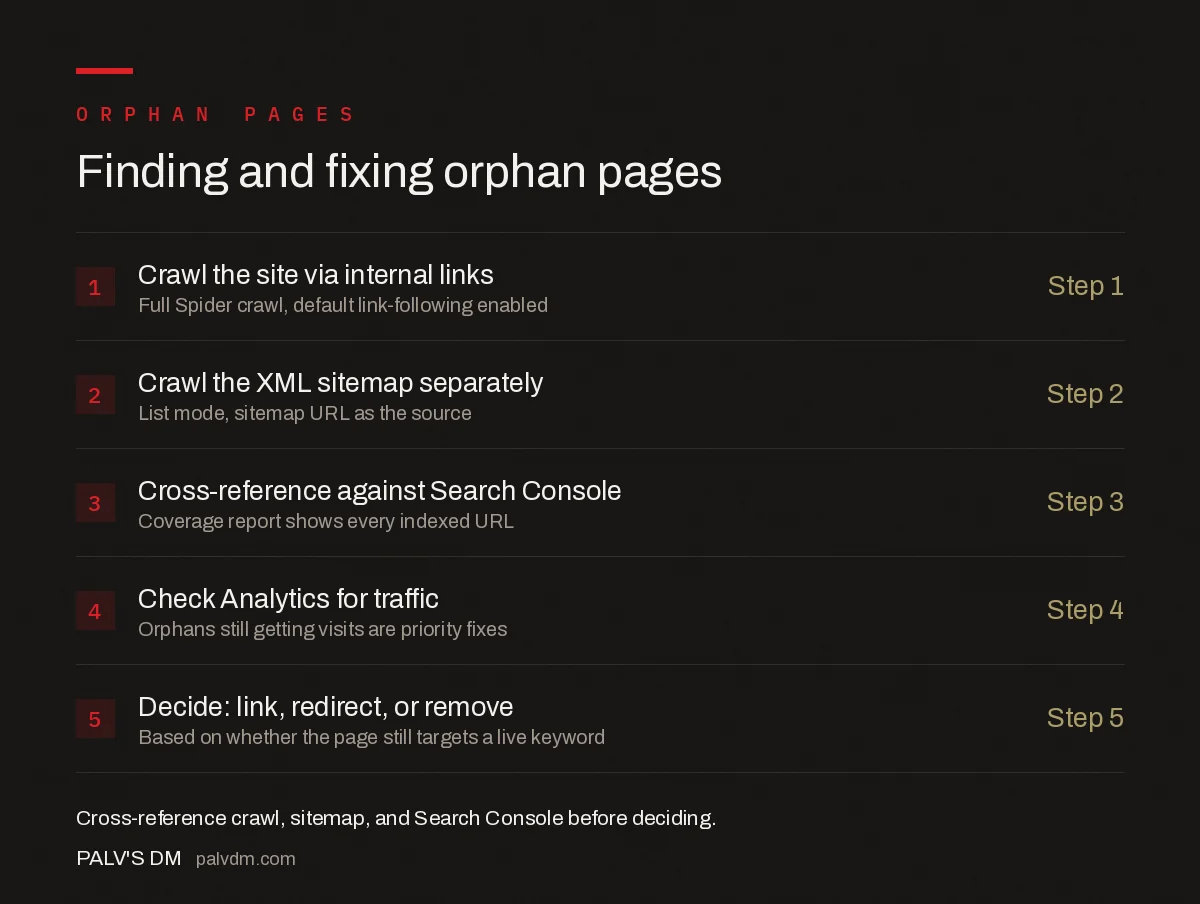
Finding and fixing orphan pages
- Crawl the site via internal links — Step 1. Full Spider crawl, default link-following enabled.
- Crawl the XML sitemap separately — Step 2. List mode, sitemap URL as the source.
- Cross-reference against Search Console — Step 3. Coverage report shows every indexed URL.
- Check Analytics for traffic — Step 4. Orphans still getting visits are priority fixes.
- Decide: link, redirect, or remove — Step 5. Based on whether the page still targets a live keyword.
The decision step matters as much as the discovery. Not every orphan page deserves a fix. Some are leftover campaign pages or old duplicate content that should be redirected or removed rather than reintegrated — dragging every orphan back into the navigation just moves the clutter instead of solving it.
How do orphan pages relate to other crawlability problems?
Orphan pages are usually one symptom of a broader pattern rather than an isolated bug. Sites that generate them tend to also have inconsistent robots.txt configuration that accidentally blocks or allows the wrong sections, and staging environments that occasionally leak into the live index — worth checking against how staging sites end up indexed by mistake, since a forgotten staging subdomain is effectively a whole cluster of orphan pages nobody meant to publish. Auditing all three together — internal linking, robots directives, and environment separation — tends to be more efficient than fixing orphan pages in isolation, since the same redesign or migration event usually causes all three at once.
Frequently asked questions
What exactly is an orphan page?
An orphan page is a live, indexable URL that has no internal links pointing to it from anywhere else on the site. Users and crawlers can only reach it through a direct URL, a sitemap entry, or an external link — never by browsing the site normally.
Can an orphan page still rank in Google?
Yes, if it’s already indexed and in the XML sitemap, but it ranks with a handicap. Without internal links passing relevance and authority to it, an orphan page relies entirely on external signals, and Google tends to crawl and recrawl it far less often than linked pages.
How do I find orphan pages on my site?
Crawl the site with a tool like Screaming Frog, then cross-reference that crawl’s discovered URLs against your XML sitemap and Google Search Console or Analytics data. Any URL that appears in the sitemap or in Search Console but was never reached by the crawler through internal links is an orphan.
Do orphan pages hurt the rest of my site’s SEO?
Not directly, but they represent wasted opportunity and are often a symptom of a bigger internal-linking problem. A site with dozens of orphan pages usually also has weak topical clustering and inconsistent navigation, both of which do affect how the rest of the site is crawled and understood.
Should I delete or fix an orphan page?
Fix it if the page targets a keyword worth ranking for or still gets external links or search impressions — add internal links from related content. Delete or redirect it if it’s outdated, thin, or duplicates another page; keeping dead weight indexed dilutes crawl budget on larger sites.
Sources
- Crawlable links guidelines — Google Search Central
- How to Find Orphan Pages — Screaming Frog
- Technical SEO: The Complete Working Guide
Want this done on your site?
Every PalV’s DM engagement starts with a free audit of your actual website — a 12-point
crawl covering what is blocking indexation, on-page gaps against your primary keywords, speed
findings, and the three to five fixes worth making first. Delivered in two working days. No
payment details, and the findings are yours whether you hire us or not.


