
BreadcrumbList Schema: Small Effort, Visible Result
How to implement BreadcrumbList schema correctly, what it still does for SEO since Google dropped mobile breadcrumb display, and common mistakes.

BreadcrumbList schema is a JSON-LD block that tells search engines and AI systems the hierarchical path to a page, and it takes about ten minutes to implement correctly on most WordPress sites. It used to earn a visible breadcrumb trail in place of the URL on both desktop and mobile search results. As of January 2025, Google only shows that on desktop. The schema itself is still worth having, for reasons that have nothing to do with what shows in the SERP snippet.
This is one of the lowest-effort, most misunderstood pieces of structured data on most sites. Misunderstood because half the guidance out there is written as if the January 2025 mobile change killed its value, which isn’t accurate.
What does BreadcrumbList schema actually do?
It’s a structured, machine-readable version of the “Home > Category > Page” trail you see near the top of a page. In JSON-LD, it’s a list of items, each with a name, a position number, and a URL, describing the path from the homepage down to the current page. Google (and other engines that parse Schema.org markup) can use that to understand where a page sits in your site’s hierarchy without inferring it purely from crawled internal links.
Historically, Google used this data to replace the raw URL in the search snippet with a clean, readable path, “palvdm.com > Blog > SEO” instead of “palvdm.com/blog/category/seo-tips-2026”, which reads better and can lift click-through rate. That specific visual benefit is now desktop-only.
What changed in January 2025, and does it matter?
Google stopped displaying the breadcrumb trail in mobile search results, rolling the change out across all languages and regions where Google Search operates. Desktop results were unaffected and still show it. This gets treated as bigger news than it should be. Google dropped breadcrumbs from mobile search results, and I still see clients treat this as if the schema itself is now pointless. It isn’t. The visual display was always a bonus on top of the underlying data, not the reason to have the data.
What the schema still does, regardless of mobile display: it gives crawlers explicit hierarchy information instead of leaving them to infer structure from internal links alone, it still displays on desktop results, and it gives AI systems doing retrieval a clean signal about how your content is categorized relative to everything else on your site. That last point matters more every year as AI search grows as a discovery channel.
How do you implement it correctly?
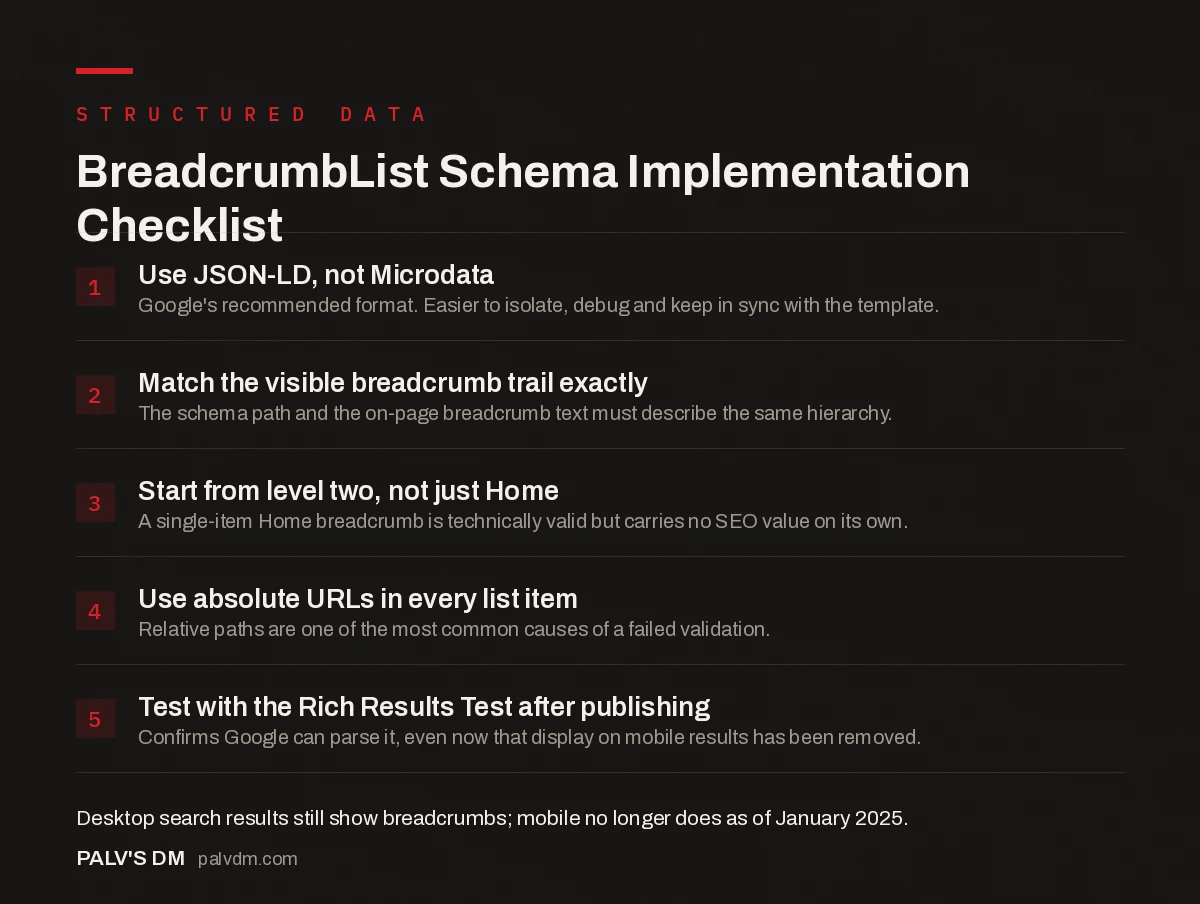
BreadcrumbList Schema Implementation Checklist
- Use JSON-LD, not Microdata. Google’s recommended format. Easier to isolate, debug and keep in sync with the template.
- Match the visible breadcrumb trail exactly. The schema path and the on-page breadcrumb text must describe the same hierarchy.
- Start from level two, not just Home. A single-item Home breadcrumb is technically valid but carries no SEO value on its own.
- Use absolute URLs in every list item. Relative paths are one of the most common causes of a failed validation.
- Test with the Rich Results Test after publishing. Confirms Google can parse it, even now that display on mobile results has been removed.
A minimal, correct example for a blog post two levels deep:
{
  "@context": "https://schema.org",
  "@type": "BreadcrumbList",
  "itemListElement": [
    {"@type": "ListItem", "position": 1, "name": "Blog", "item": "https://example.com/blog/"},
    {"@type": "ListItem", "position": 2, "name": "Technical SEO", "item": "https://example.com/blog/category/technical-seo/"},
    {"@type": "ListItem", "position": 3, "name": "Your Page Title"}
  ]
}
Notice the last item has no item URL. That’s correct and expected, Google’s own guidance says the final item, representing the current page, should omit the URL since it’s redundant with the page you’re already on.
What’s the most common mistake?
Schema and visible breadcrumbs going out of sync. It happens constantly after a site restructure: someone renames a category, updates the visible breadcrumb trail through the CMS, and the schema (especially if it’s hardcoded rather than plugin-generated) keeps outputting the old category name and URL. Now your visible breadcrumb says “Services > Web Design” while your schema says “Services > Websites,” a mismatch between what’s on the page and what the markup claims. That’s exactly the kind of inconsistency Google’s structured data guidelines call out directly, structured data has to reflect the actual visible content.
The safest fix is generating both the visible breadcrumb and its schema from the same source: one function or one plugin setting driving both, so they can’t drift apart independently. If you’re hand-coding a theme, this means writing the breadcrumb trail once and outputting it in two formats (HTML and JSON-LD) from the same array, not maintaining two separate pieces of code that happen to agree today.
Does this help with anything beyond the search snippet?
Yes, and this is the part worth taking seriously even with mobile display gone. BreadcrumbList schema provides entity relationship data that AI systems use to understand how pages connect to each other across your site. A clear hierarchical path helps a language model map your content into categories accurately, which matters when it’s deciding what to cite in a generated answer. Sites with clean, consistent breadcrumb data give retrieval systems less work to do inferring structure, and less inference generally means fewer mistakes about what a page is actually about.
It also plays into internal linking quality more broadly. A breadcrumb trail is itself a set of internal links back up the hierarchy, present on every single page that has one. Multiplied across a large site, that’s a meaningful, consistent internal linking pattern that costs nothing extra to maintain once it’s automated. For the wider picture on how schema fits into your overall markup strategy, our practical schema markup guide covers the other types worth prioritizing alongside this one.
What about filtered, paginated, or e-commerce category pages?
These are where breadcrumb schema gets genuinely tricky, and where I see the most inconsistent implementations. A product page reached through three different category filters technically has three plausible breadcrumb paths. Pick one, the canonical category path, not whichever filter combination the visitor happened to click through, and use that same path consistently regardless of how someone arrived. Building dynamic breadcrumbs that shift based on the referring filter creates a different schema output for the same URL depending on session state, which is exactly the kind of inconsistency that causes validation headaches later.
For paginated archive pages (page 2, page 3 of a category listing), keep the breadcrumb trail identical across every page in the sequence, don’t append “Page 2” as an extra breadcrumb level. The pagination itself is a separate concern from the content hierarchy the breadcrumb is meant to describe.
How does this relate to other errors you might see?
If Search Console is flagging breadcrumb errors specifically, the cause is almost always one of the mismatch or formatting issues covered above, not a fundamentally broken implementation. Our guide to common schema errors in Search Console and their fixes walks through the general debugging workflow, which applies directly to BreadcrumbList issues too. And if you’re weighing which schema types to prioritize for a services business specifically, Service and Offer schema for agencies and consultants and where people get Product schema wrong for services are the natural next reads.
Frequently asked questions
Do breadcrumbs still show up in mobile search results?
No. Google removed breadcrumb display from mobile search results in January 2025, across all languages and regions. They still appear in desktop search results. The BreadcrumbList schema itself remains valuable for site structure signals and AI retrieval regardless of whether Google renders it visually.
Does BreadcrumbList schema improve rankings directly?
Not directly. It doesn’t function as a ranking factor on its own. It supports rankings indirectly by clarifying site hierarchy for crawlers, improving click-through rate on desktop results where the readable path still displays, and giving AI systems clearer entity relationship data to work with.
Can I use Yoast or Rank Math to generate breadcrumb schema automatically?
Yes, both plugins generate BreadcrumbList schema automatically once their breadcrumb feature is enabled, and both output it in JSON-LD. You still need to confirm the visible breadcrumb trail on your theme matches what the plugin outputs, since a mismatch between visible and schema breadcrumbs is a genuine, if minor, guideline issue.
Should the schema breadcrumb path match the visible breadcrumb exactly?
Yes. The BreadcrumbList schema should describe the same hierarchy shown to visitors on the page. If your visible breadcrumb reads Home > Services > SEO but your schema lists a different or outdated path, that’s a genuine data mismatch, not just a cosmetic issue.
Do I need breadcrumbs on my homepage?
No. The homepage is the top of the hierarchy with nothing above it, so a breadcrumb trail there is redundant. Start breadcrumbs from the first level below the homepage, typically a category or section page, and continue down from there.
Sources
- Breadcrumb (BreadcrumbList) structured data, Google Search Central
- BreadcrumbList, Schema.org
- Schema Markup: A Practical Guide With Copy-Paste JSON-LD
- Common Schema Errors in Search Console and Their Fixes
- Service and Offer Schema for Agencies and Consultants
- Product Schema for Services: Where People Get It Wrong
Want this done on your site?
Every PalV’s DM engagement starts with a free audit of your actual website — a 12-point
crawl covering what is blocking indexation, on-page gaps against your primary keywords, speed
findings, and the three to five fixes worth making first. Delivered in two working days. No
payment details, and the findings are yours whether you hire us or not.


