
Client-Side vs Server-Side Rendering for SEO
CSR sends Google an empty shell and a JS bundle; SSR sends finished HTML. The practical SEO difference, when CSR is fine, and when it costs rankings.

Server-side rendering sends Googlebot a complete HTML page on the first request; client-side rendering sends an almost-empty shell and a JavaScript bundle that Google has to execute before it can see any content. Both can rank. The difference is risk and timing: CSR depends on a second rendering pass that isn’t instant, and anything that breaks in that pass — a script error, a timeout, a blocked resource — leaves Google with nothing to index.
The comparison table below is the fast version. The sections after it cover where each approach breaks in practice, because the failure modes are what actually decide which one a given site should use.
Client-side rendering vs server-side rendering: the direct comparison
| Client-side rendering (CSR) | Server-side rendering (SSR) | |
|---|---|---|
| What crawler receives on first request | Near-empty HTML shell plus JS bundle | Fully populated HTML |
| Needs Google’s rendering queue | Yes, second wave to execute JS | No, content is present immediately |
| Time to indexable content | Delayed by render queue, hours to days | Immediate, no queue dependency |
| Server load per request | Low, browser does the work | Higher, server renders per request |
| Risk of partial or failed render | Real — JS errors can leave content invisible | Minimal, HTML is complete on arrival |
| Best fit | Logged-in apps, dashboards, low SEO need | Public, content-driven, SEO-dependent pages |
Neither row is a verdict on its own. A CSR dashboard behind a login wall has nothing to rank for and no reason to pay the SSR server cost. A public blog or ecommerce catalogue built purely CSR is paying real ranking risk for no benefit the user notices.
How does Google actually process JavaScript-rendered pages?
Google’s indexing pipeline runs in two passes. The first pass crawls and indexes the raw HTML response — whatever the server sends before any JavaScript runs. For a CSR page, that’s often a near-empty <div id="root"></div>. The second pass queues the page for rendering, where Googlebot executes the JavaScript in a headless Chromium instance to see the fully built DOM, then indexes what it finds there.
Google’s own JavaScript SEO documentation confirms this two-wave process and recommends server-side rendering, static rendering, or hydration specifically because they remove the second-wave dependency. The queue isn’t instant, and its timing isn’t something a site controls — it depends on crawl budget, site authority, and how backed up the render queue is at the time.
What actually breaks with client-side rendering?
- Render queue delay. New or updated content on a CSR page can sit un-indexed for hours or days longer than the same content on an SSR page, because it waits for a second crawl-and-render cycle instead of being visible on the first.
- Silent JS failures. A script error, a blocked third-party dependency, or a timeout during Googlebot’s render leaves the page effectively blank to the index, with no error visible in normal browser testing since the failure is specific to the crawler’s render environment.
- Internal links only present after JS runs. If navigation and internal links are injected client-side, Google’s first-pass crawl of the raw HTML finds none of them, which can slow discovery of pages that depend on those links.
- Meta tags set via JavaScript. Title tags, meta descriptions, and canonical tags injected after render must match exactly what’s in the raw HTML if any is present there too — a mismatch between the two passes creates ambiguity Google resolves unpredictably.
What does server-side rendering fix, and what does it cost?
SSR removes every failure mode above because the content Google needs is present in the very first response, with no dependency on a second pass succeeding. That’s the entire SEO argument for it. The cost is server-side: rendering HTML per request (or per cache miss) uses more compute than serving a static shell and letting the browser do the work, and it adds server-side complexity that a purely client-rendered app doesn’t have.
Hydration is the middle path most modern frameworks default to: the server sends complete, rendered HTML, then JavaScript “hydrates” that markup in the browser to attach interactivity, without re-rendering the content from scratch. Crawlers see finished HTML on the first request; users still get a dynamic, app-like page after load.
How do you decide which rendering approach a page needs?
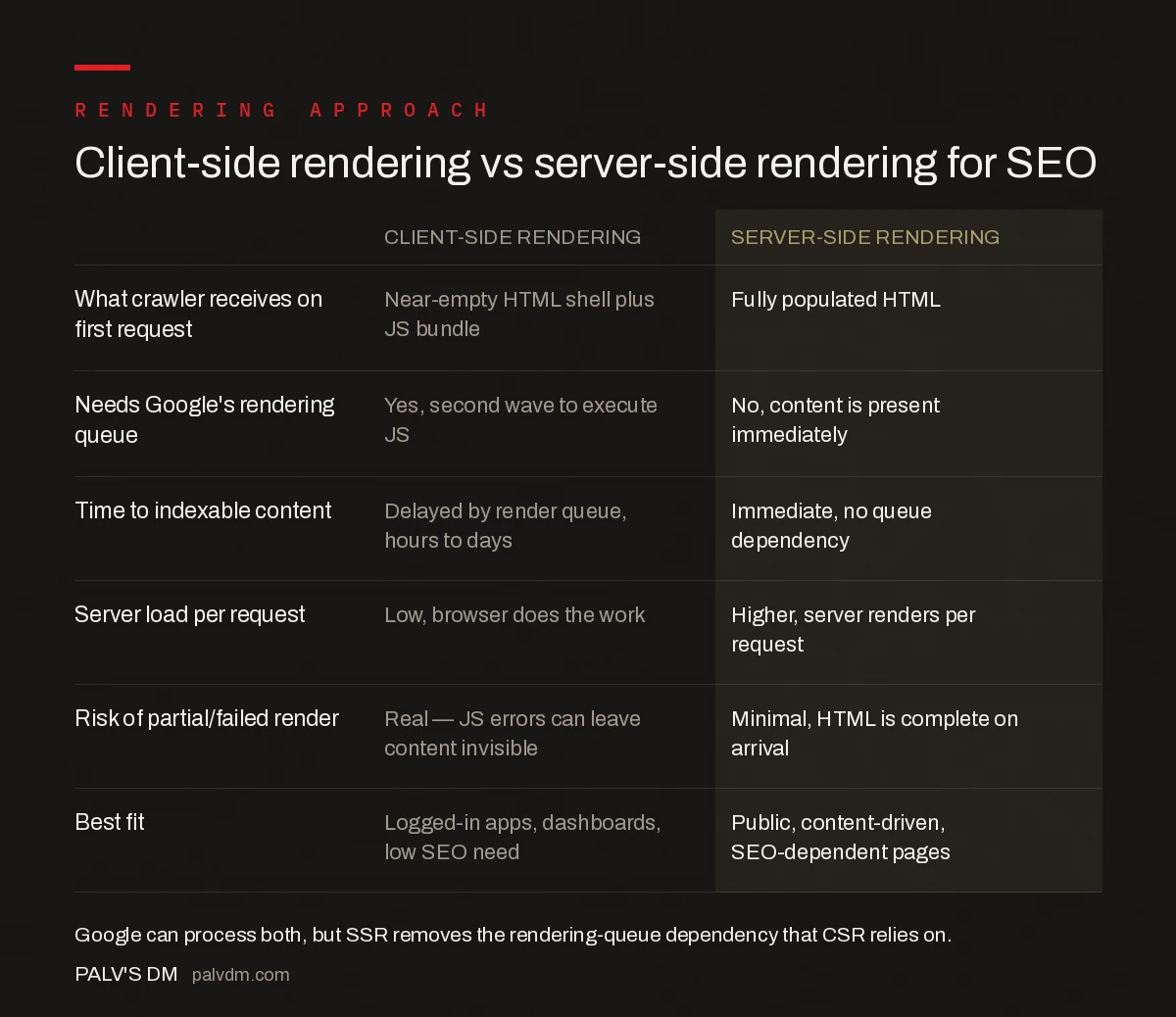
Client-side rendering vs server-side rendering, at a glance
| Factor | Client-side rendering | Server-side rendering |
|---|---|---|
| What crawler receives on first request | Near-empty HTML shell plus JS bundle | Fully populated HTML |
| Needs Google’s rendering queue | Yes, second wave to execute JS | No, content is present immediately |
| Time to indexable content | Delayed by render queue, hours to days | Immediate, no queue dependency |
| Server load per request | Low, browser does the work | Higher, server renders per request |
| Risk of partial/failed render | Real — JS errors can leave content invisible | Minimal, HTML is complete on arrival |
| Best fit | Logged-in apps, dashboards, low SEO need | Public, content-driven, SEO-dependent pages |
The decision usually comes down to one question: does this page need to rank in organic search? If yes, SSR or hydration removes a real, measurable risk. If the page is behind a login wall, is a utility screen, or otherwise has no organic search intent, CSR’s lower infrastructure cost is the sensible default.
How do you verify which one a live site is actually using?
View the page’s raw HTML source (not the browser’s rendered DOM) via “view source” or a raw curl request. If the main content — headline, body copy, product details — is present in that raw response, the page is server-rendering or statically generating it. If the raw response is a near-empty shell and the content only appears in the browser’s inspector after the page finishes loading, the page is relying on client-side rendering, and Google’s indexing of that content depends entirely on the second-wave render succeeding.
Frequently asked questions
Can Google index client-side rendered content at all?
Yes, Googlebot runs a headless Chromium instance that executes JavaScript, but this happens in a second rendering wave that can lag the initial crawl by hours or days depending on the site’s crawl budget and the rendering queue’s load at the time.
Is server-side rendering always better for SEO?
For public, content-driven pages that need to rank, yes, because it removes the rendering-queue dependency entirely. For logged-in dashboards, internal tools, or highly interactive apps with no organic search intent, CSR’s lower server cost is the more sensible trade-off.
What is hydration and does it change the SEO picture?
Hydration is the process where server-rendered HTML is handed to the browser, then JavaScript attaches interactivity to that already-visible markup. It keeps the SEO benefit of SSR — content is present on arrival — while still enabling a dynamic, app-like experience after load.
Does switching from CSR to SSR guarantee a ranking increase?
No. It removes one specific risk — content invisible or delayed to crawlers — but rankings depend on relevance, links, and content quality too. Sites already indexing correctly under CSR may see little movement; sites with rendering failures typically see the clearest gains.
Sources
- Understand JavaScript SEO Basics — Google Search Central
- JavaScript SEO: What Google Can and Can’t See
- Technical SEO: The Complete Working Guide
- Log File Analysis: What Googlebot Is Really Doing on Your Site
- Third-Party Scripts: Measuring What Each One Costs You
- How to Fix Cumulative Layout Shift
Want this done on your site?
Every PalV’s DM engagement starts with a free audit of your actual website — a 12-point
crawl covering what is blocking indexation, on-page gaps against your primary keywords, speed
findings, and the three to five fixes worth making first. Delivered in two working days. No
payment details, and the findings are yours whether you hire us or not.


