
Person Schema and Author Entity Signals: A Practical Guide
Person schema tells search engines who wrote your content and what they know. Here is how to implement it correctly and connect it to your other entities.

Person schema is structured data that identifies who wrote a piece of content, using a stable @id search engines can connect across every article, social profile and credential tied to that individual. Done right, it turns a byline from decorative text into a machine-readable identity. Done sloppily, with an inconsistent @id or a name that doesn’t match across pages, it does almost nothing.
Most sites either skip author schema entirely or bolt it on inconsistently, one format on the blog, a different one on the about page, no shared @id connecting them. That inconsistency is the actual reason Person schema underperforms on so many sites, not the schema itself.
What is Person schema, in plain terms?
It’s a Schema.org type that describes a real individual using structured properties: name, jobTitle, worksFor, url, and optionally sameAs (links to social or professional profiles), knowsAbout (topics of expertise), and alumniOf. On a blog, it usually appears nested inside an Article’s author property, connecting the piece of content to the person who wrote it in a format search engines and AI systems can parse directly, rather than inferring from a plain-text byline.
The practical value is disambiguation. There might be a hundred people named “Jane Smith” online. A Person entity with a consistent @id, tied to a specific URL, specific credentials, and specific published work, gives search engines a way to know which Jane Smith wrote which article, and to build up a picture of her expertise across everything she’s published.
What does a correctly nested Person schema example actually look like?
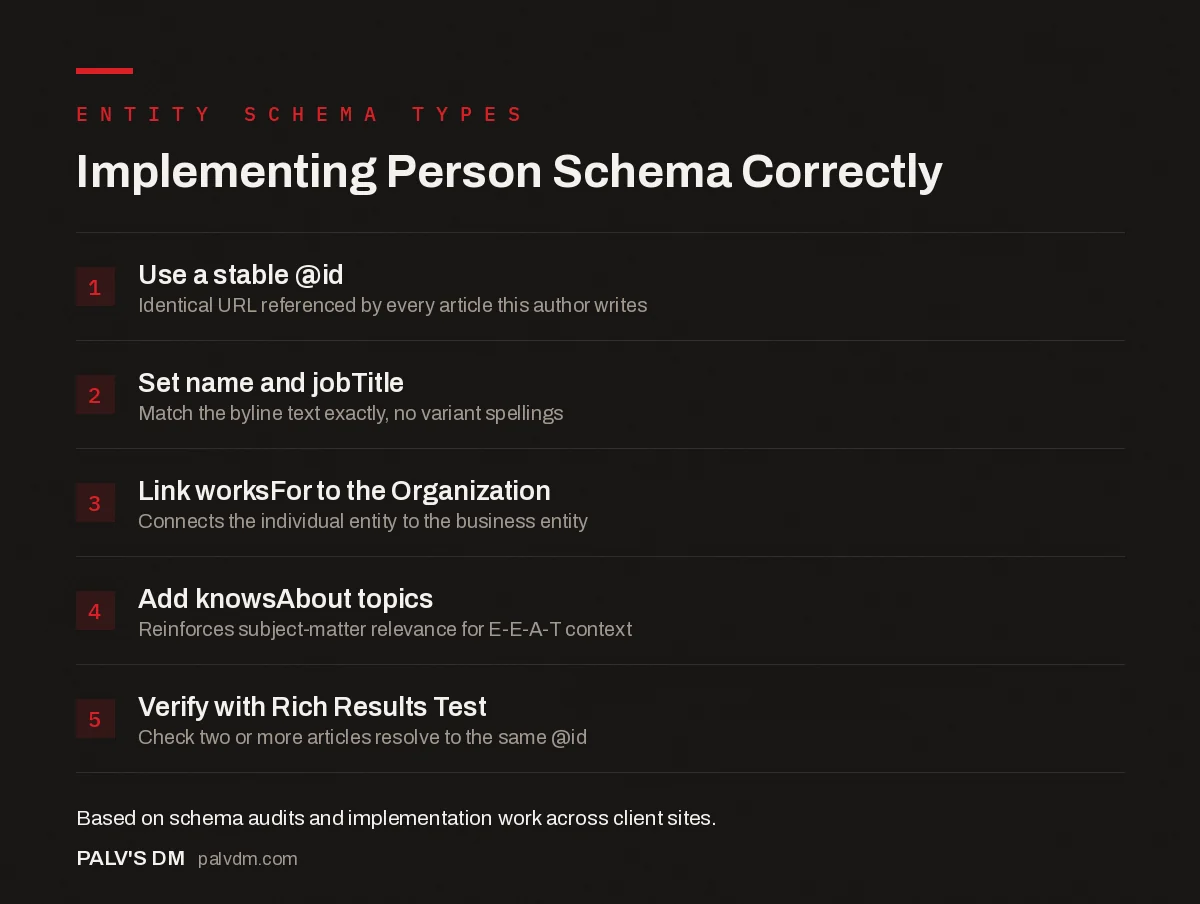
Implementing Person Schema Correctly
- Use a stable @id. Identical URL referenced by every article this author writes.
- Set name and jobTitle. Match the byline text exactly, no variant spellings.
- Link worksFor to the Organization. Connects the individual entity to the business entity.
- Add knowsAbout topics. Reinforces subject-matter relevance for E-E-A-T context.
- Verify with Rich Results Test. Check two or more articles resolve to the same @id.
The key technical detail is the @id. It has to be identical, character for character, everywhere that author appears across the site. Here’s a minimal, valid example nesting a Person inside an Article, connected to an Organization:
{
  "@type": "Article",
  "headline": "Example Post Title",
  "author": { "@id": "https://example.com#jane-smith" },
  "publisher": { "@id": "https://example.com#org" }
},
{
  "@type": "Person",
  "@id": "https://example.com#jane-smith",
  "name": "Jane Smith",
  "url": "https://example.com/author/jane-smith/",
  "jobTitle": "Senior Technical Writer",
  "worksFor": { "@id": "https://example.com#org" },
  "knowsAbout": ["Topic one", "Topic two", "Topic three"],
  "sameAs": [
    "https://linkedin.com/in/janesmith",
    "https://twitter.com/janesmith"
  ]
}
Notice the author property in the Article references the Person by @id rather than repeating the full object. That’s what lets every article by the same author point to one shared entity instead of a hundred slightly different, disconnected descriptions of the same person.
Which properties actually matter, and which are optional?
| Property | Purpose | Priority |
|---|---|---|
| @id | Stable identifier connecting every reference to this Person | Required, and the single most important field |
| name | Full name, consistent everywhere it appears | Required |
| url | Canonical author bio page | Strongly recommended |
| jobTitle | Signals relevant expertise for the content topic | Recommended |
| worksFor | Links the Person to the Organization entity | Recommended |
| knowsAbout | Topics of expertise, supports E-E-A-T context | Recommended for topical relevance |
| sameAs | Links to verified social/professional profiles | Optional but useful for disambiguation |
| image | Author photo URL | Optional |
Does Person schema actually help you rank, or is that overstated?
It’s not a direct ranking factor, and nobody at Google has claimed it is one. What it does is support the broader machine-readable case for expertise that feeds into E-E-A-T assessment, particularly relevant for YMYL-adjacent topics like health, finance, or legal content where Google’s quality raters are explicitly instructed to check who’s behind the content. For a straightforward local business blog post, the schema matters less; for a technical guide written by someone with genuine credentials in the field, it’s one more consistent signal reinforcing what the content itself should already be demonstrating.
Where this pays off more directly is in AI search. Generative engines synthesising an answer from multiple sources are more likely to attribute and cite content clearly tied to a named, verifiable expert than an anonymous or inconsistently attributed byline, since attribution itself is part of what these systems are trying to get right when citing sources.
What’s the single mistake that breaks this the most often?
Inconsistent @id values. We see this constantly on sites where the blog template generates one author markup format and a plugin update or theme change quietly alters it, producing two slightly different Person entities for the same actual person: one at #author-jane-smith, another at #jane-smith-2. Search engines have no reliable way to know these represent the same individual, so the entity-building benefit is split in half or lost entirely.
The fix is boring but effective: pick one canonical URL format for the @id (we use the author archive page URL with a trailing slash) and audit it whenever the theme or SEO plugin updates. A five-minute check in Google’s Rich Results Test on two or three articles by the same author catches this before it becomes a sitewide problem.
How do you connect Person schema to the rest of your entity graph?
- Link the Person to the Organization via worksFor. This ties an individual’s expertise to the business they represent, reinforcing both entities together.
- Reference the same Person @id from every Article they’ve written. Consistency here is what actually builds the entity over time, not the schema on any single page.
- Add sameAs links to verified profiles, not vanity accounts. A LinkedIn profile that actually lists the same job title and employer reinforces the claim; an inactive Twitter account adds little.
- Keep the author bio page itself substantive. Schema describes the page; it doesn’t replace the need for the page to actually demonstrate the credentials it claims.
What if the author is also the founder or the whole business?
This is the setup on a lot of small consultancy and agency sites, one person writing everything, and it’s actually the easiest case to get right. The Person and the Organization are related but distinct entities: the Person is an individual with a name and a career, the Organization is the legal business entity. Keep them separate in the schema even when they’re the same person in practice, with the Person’s worksFor property pointing at the Organization’s @id. Collapsing them into one entity, or skipping the Organization schema because “it’s just me,” throws away half the structured signal for no benefit.
On a site like this one, every article’s author points to the same Person @id, which points to the Organization via worksFor. That consistency is what lets a search engine (or an AI system summarising the site) build an accurate picture of who’s behind the content across a hundred-plus articles instead of treating each one as an isolated, unconnected page.
How do you verify the schema is actually working after you implement it?
Run two or three articles by the same author through Google’s Rich Results Test and check that the Person entity resolves with the same @id on each one. This catches the inconsistency problem before it spreads sitewide, and it takes less time than writing the schema in the first place. Search Console’s Enhancements section will also flag structural errors, missing required fields, malformed JSON, though it won’t catch a subtly duplicated @id the way manually comparing two pages will.
Worth checking after any theme update or SEO plugin change too, not just at initial implementation. We’ve seen a plugin update silently change how it generates the author @id on a site, splitting a year of accumulated entity signal across two different identifiers without anyone noticing until a routine audit caught it months later.
Frequently asked questions
What is Person schema used for on a website?
It’s structured data from Schema.org that describes an individual: their name, role, employer, and areas of expertise. On blogs, it’s most commonly used to mark up the author of an article, connecting a byline to a consistent, machine-readable identity rather than just a name in plain text.
Does Person schema directly improve rankings?
There’s no evidence it acts as a direct ranking factor on its own. What it does is give search engines and AI systems a clearer, structured signal about who wrote your content, which supports the broader E-E-A-T assessment, particularly for topics where expertise matters, like health, finance, or technical guidance.
What’s the difference between marking up an author with Person schema versus just writing their name?
Plain text tells a human reader who wrote the piece but gives search engines no structured, disambiguated identity to connect across pages. Person schema with a consistent @id links every article by that author back to the same entity, and can include credentials and social profiles plain text can’t convey in a machine-readable way.
Do I need a separate author page for Person schema to work?
It’s not strictly required by the schema itself, but it’s strongly recommended. An author bio page gives you a canonical URL to use as the Person’s main entity of page and a place to expand on credentials, reinforcing the same expertise signals the schema is trying to convey.
What’s a common mistake when implementing Person schema?
Using a different @id or slightly different name spelling for the same author across different pages, which breaks the entity connection search engines rely on. The @id should be an identical, stable URL, referenced exactly the same way in every Article’s author property sitewide.
Sources
- Schema.org: Person type reference
- Google Search Central: Article structured data and E-E-A-T guidance
- Schema Markup: A Practical Guide With Copy-Paste JSON-LD
- Organization Schema: The Entity Foundation for Your Brand
- Schema Nesting and @id: Connecting Your Entities Properly
- Article Schema: Fields That Matter and Fields That Don’t
Want this done on your site?
Every PalV’s DM engagement starts with a free audit of your actual website — a 12-point
crawl covering what is blocking indexation, on-page gaps against your primary keywords, speed
findings, and the three to five fixes worth making first. Delivered in two working days. No
payment details, and the findings are yours whether you hire us or not.


