
Schema Nesting and @id: Connecting Your Entities Properly
How @id and @graph connect schema entities correctly, why duplicate or unstable @id values break your entity graph, and how to fix it.

@id gives a schema entity a stable, unique identifier so other entities in your JSON-LD graph can reference it instead of duplicating its data, and getting it wrong, duplicate IDs, IDs built on URLs that change, or no @id at all, is the single most common reason a site’s structured data looks fine in the validator but still confuses what Google and AI systems understand about the business.
Most schema guides explain what each @type means: Organization, Person, Article, and stop there. Fewer explain how those types are supposed to connect to each other, which is exactly where the practical problems live. A page can pass every schema validator test and still tell search engines that “Palash the author” and “Palash the person mentioned in three other articles” are unrelated entities, purely because nobody gave that entity one consistent @id.
What does @id actually do in a JSON-LD graph?
It’s a pointer, not a display value. When you write "@id": "https://example.com#organization" inside your Organization block, and then reference "publisher": { "@id": "https://example.com#organization" } inside your Article block, you’re telling the parser: these two blocks describe the same entity, don’t treat them as separate things. That’s the entire mechanism. Without it, a parser sees two disconnected chunks of data that happen to mention a similar name, and has to guess whether they’re related.
This matters more as a site grows. One article referencing your organization is trivial to interpret either way. Five hundred articles, each with their own copy of your Organization details and no shared @id, is five hundred slightly-different descriptions of the same business that a knowledge graph has to reconcile, or more realistically, doesn’t bother reconciling and treats as noise.
How should you actually structure an @id value?
The convention that holds up best: your canonical root URL plus a descriptive fragment identifier, not a bare page URL and not an arbitrary string. https://palvdm.com#org for the organization, https://palvdm.com#palash for the named author, https://palvdm.com/blog/your-slug/#article for the article itself. The fragment makes it human-readable at a glance, which matters when you’re debugging six months later and trying to remember what “#e47” was supposed to represent.
The mistake to avoid specifically: using a full page URL, no fragment, as the @id for an entity that isn’t actually the page itself. Page URLs change. Slugs get restructured, categories move, a redesign renames things. If your Organization’s @id was just your homepage URL and that URL structure ever changes, every reference to that @id across your site’s history silently breaks. A root-domain-plus-fragment pattern for the org and author entities survives page-level changes because it’s anchored to something stable.
What actually breaks when nesting goes wrong?
| Mistake | What it causes | Fix |
|---|---|---|
| No @id at all | Every mention treated as a separate, unconnected entity | Add a stable @id to every Organization, Person and Article block |
| Same @id reused for two different entities | Two distinct things get merged into one confused entity | Give every distinct entity its own unique @id, always |
| @id built from a page URL that later changes | References break silently after a URL restructure | Use a root-domain fragment (#org, #author) instead of a page path |
| Flat, unconnected schema blocks with no @graph | Related entities look independent instead of linked | Wrap related entities in one @graph array on the page |
The second row is the one that causes the strangest downstream problems. It’s an easy mistake to make when copy-pasting a schema template across page types without updating the fragment, and the failure mode is subtle: nothing throws an error in the Rich Results Test, it just quietly tells search engines two different things are actually one thing.
How does @graph actually tie the entities together?
@graph is the array wrapper that holds multiple related entities in one script block and lets them reference each other by @id instead of repeating full data. This exact article’s own markup is a working example: an Article block references its author via "author": { "@id": "https://palvdm.com#palash" } rather than re-stating Palash’s name, job title and organisation inline. The Person block, defined once elsewhere in the same graph, is the single source of truth; every article on the site points back to that one @id instead of maintaining its own copy.
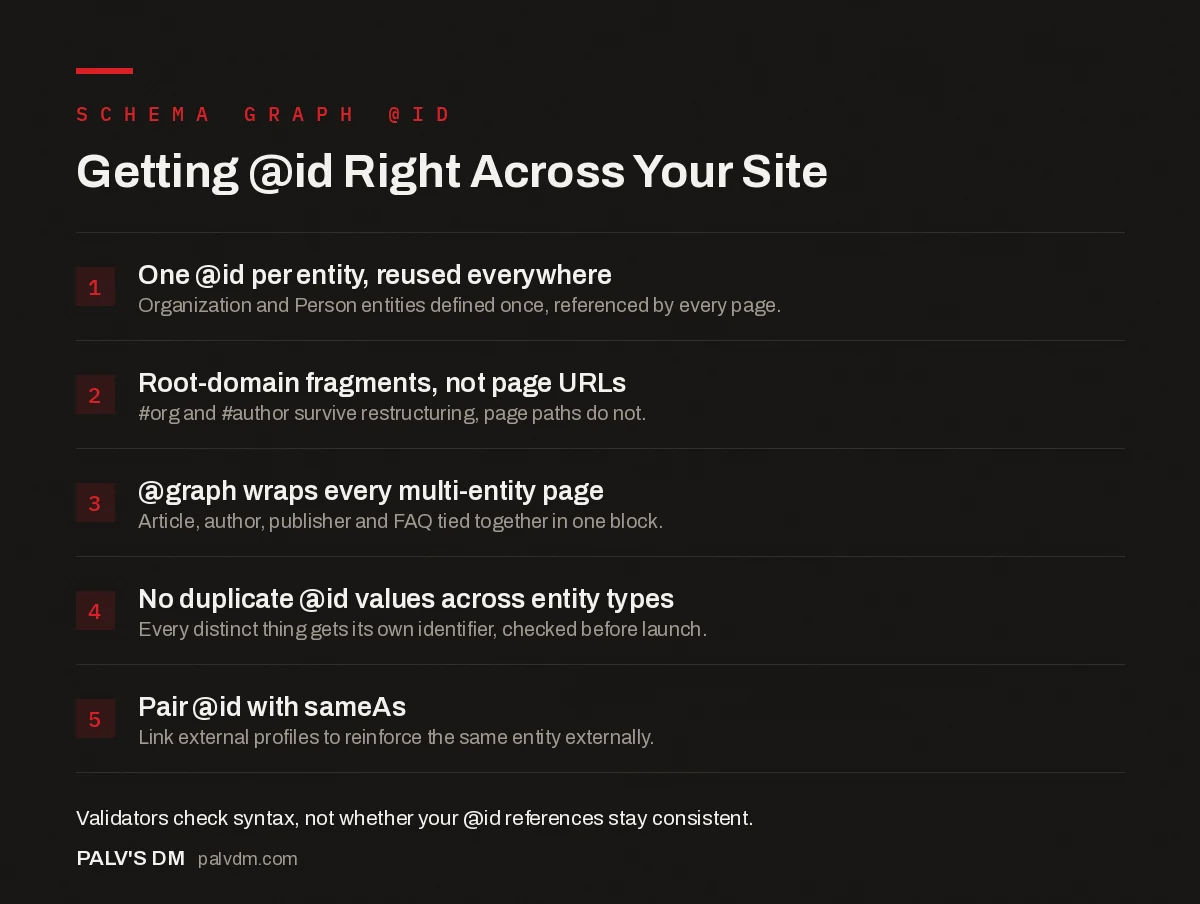
Getting @id Right Across Your Site
- One @id per entity, reused everywhere. Organization and Person entities defined once, referenced by every page.
- Root-domain fragments, not page URLs. #org and #author survive restructuring, page paths do not.
- @graph wraps every multi-entity page. Article, author, publisher and FAQ tied together in one block.
- No duplicate @id values across entity types. Every distinct thing gets its own identifier, checked before launch.
- Pair @id with sameAs. Link external profiles to reinforce the same entity externally.
How do you actually check whether your @id references are working?
Google’s Rich Results Test and the Schema Markup Validator at validator.schema.org will both parse your JSON-LD and tell you it’s syntactically valid, but neither one flags a duplicated or dangling @id as an error, because from a pure syntax standpoint, nothing is wrong. The graph is well-formed. It’s just internally inconsistent. Catching that requires a manual pass: pull every schema block across a sample of pages, list every @id value used, and check for two things, duplicates across different entity types, and any @id that was clearly built from a page URL rather than a stable fragment.
On client audits, the most common version of this we run into isn’t a typo, it’s inheritance from a plugin default. Several popular WordPress SEO plugins auto-generate an @id for the Organization schema using the site’s homepage URL directly, with no fragment. That works fine until the client migrates domains, or restructures the homepage as part of a redesign, at which point every article on the site is still pointing at an @id that no longer resolves to anything. Nobody notices because the site still renders and still validates. The entity graph just quietly stops being a graph.
Does this matter for AI search specifically, not just classic Google results?
It does, and arguably more than it does for traditional ranking. AI systems building their own answer, rather than returning ten blue links, need to resolve who or what is being talked about before they can cite it confidently. A consistent @id across every page that mentions your organisation or your named author gives an AI system the same disambiguation signal it gives Google: this is one entity, here’s everything connected to it, cite it as one coherent thing rather than assembling a patchwork from several inconsistent mentions. Sites that skip @id entirely aren’t necessarily invisible to AI search, but they’re handing over more interpretation work, and more room for the system to get the entity wrong or split it into fragments.
Pairing @id with sameAs properties pointing at your verified social profiles, Wikipedia page if you have one, or industry directory listings, closes the loop from the internal side to the external side: it tells search and AI systems that the entity described by this @id is the same entity that owns those external profiles too.
Frequently asked questions
What does @id actually do in schema markup?
It gives an entity, an Organization, a Person, an Article, a stable unique identifier so other parts of your @graph can reference it by pointing at that @id instead of repeating the full entity data. Without it, search engines and AI systems have no reliable way to know that two mentions refer to the same thing.
Should @id be a page URL or something else?
Use your entity’s canonical URL with a fragment identifier appended, like https://example.com#organization, not a bare page URL on its own. A bare page URL as the @id breaks the moment that page’s URL changes; a fragment on a stable root URL survives page-level restructuring.
Can two different entities share the same @id?
No. Reusing an @id for two different entities tells search engines they’re the same thing, which merges data that should stay separate, an Organization and a Person, for instance, ending up treated as one confused entity. Every distinct entity needs its own unique @id, used consistently everywhere it’s referenced.
Do I need @graph if I only have one schema type on a page?
No. @graph earns its keep once you have two or more related entities on a page, an Article, its Author, its Publisher, an FAQ block, that need to reference each other. A single standalone Product or LocalBusiness block doesn’t need the extra wrapper.
Does @id matter for AI search visibility, not just Google?
It helps. AI systems building their own knowledge representations benefit from the same disambiguation @id provides to Google: a stable identifier that ties every mention of your organisation or your named author back to one consistent entity, rather than several fragmented, possibly contradictory ones.
Sources
- What is an @id in Structured Data?, Schema App
- Using @id in Schema.org Markup for SEO, LLMs, and Knowledge Graphs, Momentic
- Schema Markup: A Practical Guide With Copy-Paste JSON-LD
- Organization Schema: The Entity Foundation for Your Brand
- Person Schema and Author Entity Signals
- JSON-LD vs Microdata vs RDFa: Which to Use
Want this done on your site?
Every PalV’s DM engagement starts with a free audit of your actual website — a 12-point
crawl covering what is blocking indexation, on-page gaps against your primary keywords, speed
findings, and the three to five fixes worth making first. Delivered in two working days. No
payment details, and the findings are yours whether you hire us or not.


