Service Support — Web Development
Signs Your Current Website Is Costing You Leads
Signs your website not generating leads: slow mobile speed, buried contact forms, long forms, and thin trust signals. How to check and fix each one fast.
If your website looks fine but the phone doesn’t ring and the enquiry form stays empty, the problem usually isn’t your product or your traffic — it’s specific, fixable things on the site: a slow mobile load, a contact path with too many taps, a form that asks too much, or service pages that don’t match what people search for. A website not generating leads is rarely a mystery once checked against a short, concrete list, rather than a vague feeling that “the site needs a redesign.”
Key takeaway
- Traffic and leads are separate problems — a site can rank fine and still leak leads through friction, not lack of visibility.
- Most lead loss traces to a handful of checkable issues: mobile speed, contact path length, form design, page structure, trust signals.
- “It needs a redesign” is usually the wrong diagnosis — a redesign that doesn’t fix the structure just repeats the same lead leak in new paint.
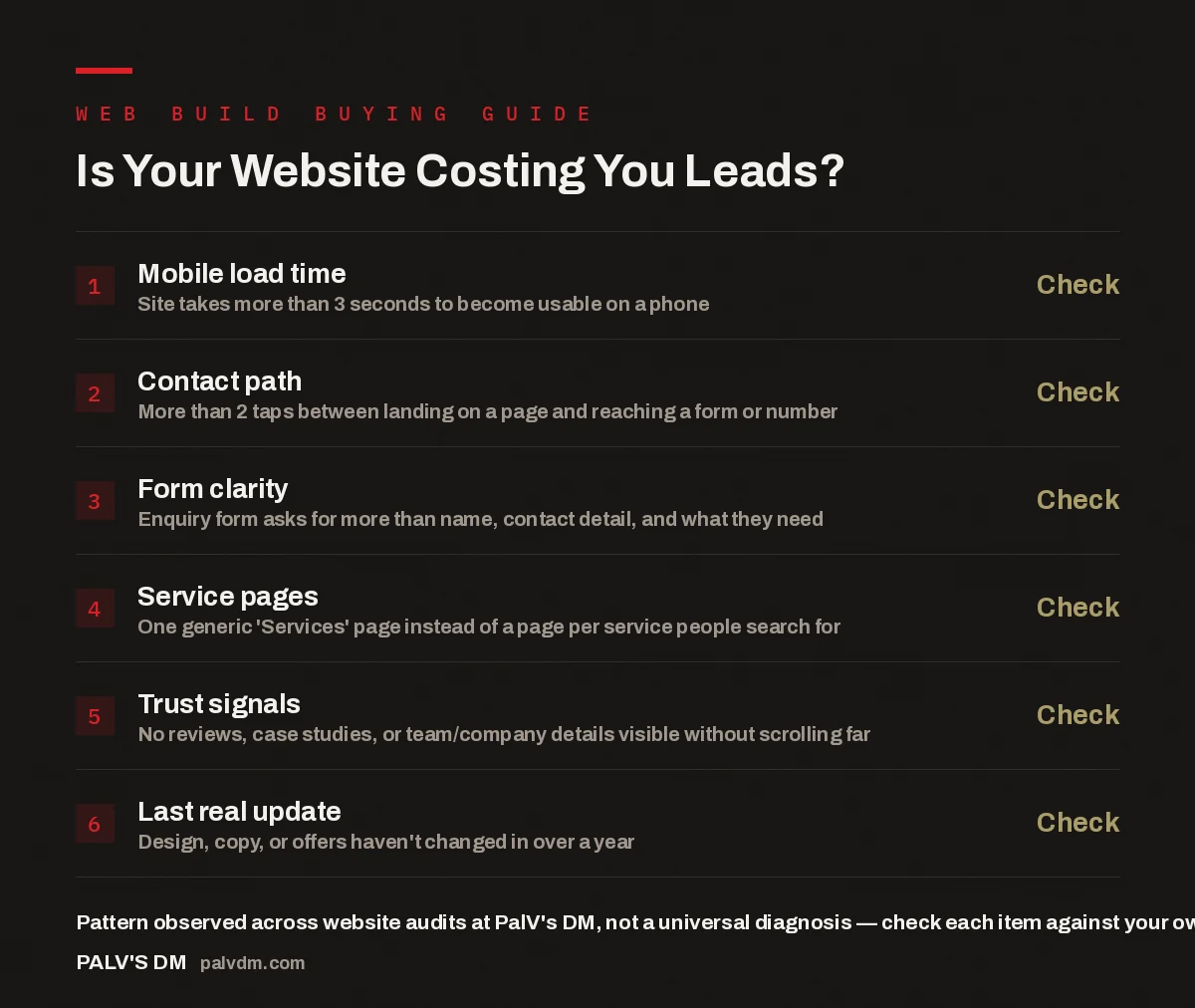
Is Your Website Costing You Leads?
- Mobile load time — Check. Site takes more than 3 seconds to become usable on a phone.
- Contact path — Check. More than 2 taps between landing on a page and reaching a form or number.
- Form clarity — Check. Enquiry form asks for more than name, contact detail, and what they need.
- Service pages — Check. One generic ‘Services’ page instead of a page per service people search for.
- Trust signals — Check. No reviews, case studies, or team/company details visible without scrolling far.
- Last real update — Check. Design, copy, or offers haven’t changed in over a year.
Myth: if the website looks good, it’s doing its job
A website’s job is not to look good — it’s to turn a visitor into an enquiry. Those are related but not the same thing, and treating them as identical is the most common mistake owners make when deciding a site “isn’t working.” A polished site with a slow mobile load, a buried contact form, and generic service copy still loses leads, because the visitor never gets far enough to notice the design. In the accounts we work on, the pattern that repeats is steady traffic and almost no enquiries — and the fix is almost never “redesign the homepage.” It’s usually one or two specific points of friction between arrival and contact.
How do you know if your website is actually costing you leads?
Start by separating two questions that get conflated constantly: is anyone finding my site, and is anyone contacting me after they find it? Check sessions in your analytics against enquiries in your inbox or call log over the same period. If sessions are steady but enquiries are flat or falling, the leak is on the site, not your search visibility. From there, walk the site as a first-time visitor would, on a phone, on mobile data rather than office Wi-Fi with everything cached. Time how long it takes to become usable, count the taps to a working contact form, and read the form as a stranger deciding whether it’s worth five minutes. Most signs below surface within ten minutes of doing this honestly.
Myth: slow load time only matters for SEO rankings
Load speed gets talked about almost exclusively as a ranking factor, which trains owners to treat it as a technical nicety rather than a revenue problem. In reality it affects leads directly, before rankings enter the picture — a visitor who taps a link on their phone and watches a spinner doesn’t wait for your rankings to improve, they tap the next result. The usual culprits are heavy hero images that were never compressed, a page builder loading megabytes of CSS and JavaScript for a simple layout, and third-party scripts — chat widgets, tracking pixels, font embeds — stacked without anyone checking the combined cost. None of this looks slow to the person who built it, testing on a fast connection with everything cached; it shows up as a visitor bouncing before the page finishes painting.
Myth: a contact page is enough — visitors will find it if they’re interested
This assumes visitors are motivated enough to go looking for a way to reach you. Most aren’t yet. Someone who lands on a service page from a search result is evaluating, not committed — they’ll act on an obvious prompt, but won’t hunt through a menu for a separate contact page. Every page that could plausibly be an entry point — service pages, location pages, commercial blog posts — needs its own direct path to contact: a form, a click-to-call number, or a booking link, visible without scrolling past a wall of copy first. A “Contact Us” link buried in the navigation relies on a level of intent most visitors don’t have yet.
The websites that quietly bleed leads are almost never ugly. They’re the ones where you have to work to figure out how to actually talk to the business.
Palash, Founder, PalV’s DM
Myth: a longer form filters out bad leads
The logic sounds reasonable — ask for more detail up front, and only serious enquirers finish the form. In practice, a long form filters out serious and casual enquirers alike, because the friction happens before anyone has decided you’re worth the effort. You lose the tyre-kickers, but also the client who would have converted if first contact had cost thirty seconds instead of five minutes. Check whether your form asks for anything beyond a name, a contact detail, and a short note on what they need — budget, timelines, “how did you hear about us” can all be gathered later.
Myth: one services page covers everything you offer
A single “Services” page listing everything the business does feels efficient to build. It’s also invisible to most of the search intent it should capture — someone searching for a specific service doesn’t land on a general overview page and stay to read about four other things. Splitting services into individual pages gives each one a fighting chance to rank for its own searches, and lets each page speak directly to one visitor’s need instead of diluting the message across everything you do. A prospective client reading a page titled with exactly the service they searched for is more likely to act on the contact prompt at the end.
Myth: trust signals are a nice-to-have, not a lead driver
A visitor deciding whether to fill in your form isn’t only evaluating the service — they’re evaluating whether you’re a real, competent business worth trusting with their details. If there’s nothing on the page to answer that — no reviews, no case studies, no visible team information — the page is asking for a leap of faith it hasn’t earned. This doesn’t require a full testimonials page. A few genuine reviews on the pages that matter, a short “about” section with real names and photos, or specific examples of work all answer the trust question before the visitor decides the answer is no.
Myth: a site that’s a year or two old is still “fine”
Nothing about a website breaks visibly after a year of inactivity — no error message flags outdated offers. It just quietly stops matching what your business is now, which visitors notice even when they can’t say why. A pricing mention that’s no longer accurate, a discontinued service still listed, or case studies from years ago all subtly signal the business may not be as active as it claims. A site needs periodic honesty checks: does this still describe what we do, charge, and are proud of, today? If the answer is no, that gap is likely showing up as hesitation in the enquiries you’re not getting.
| Symptom you notice | What it feels like | What’s usually wrong |
|---|---|---|
| Traffic is fine, enquiries aren’t | “SEO isn’t converting” | Friction between landing and contact |
| Visitors leave within seconds | “They’re not interested” | Slow mobile load |
| People say they “meant to reach out” | “They weren’t serious” | Contact path too many taps deep |
| Form submissions are rare | “Not enough demand” | Form asks for too much too soon |
What should you actually do about it?
Work through the checklist above against your own site before deciding anything drastic. Most issues are fixable individually — a form shortened this week, a number made click-to-call in an afternoon, images compressed. Fix the cheapest, fastest items first and watch whether enquiries move before committing to a rebuild. If several issues are structural — the platform can’t be made fast, the page builder makes per-service pages painful to maintain — patching symptoms only buys time, and the question shifts to whether the foundation supports the business at all.
That decision is worth making deliberately. A clear framework for choosing between a redesign and a full rebuild helps separate a cosmetic refresh from a structural fix, so you’re not spending rebuild-level budget on a problem a redesign could solve, or the reverse. It also matters what the site is built on — a template or heavy page builder makes these fixes harder, since every added script slows the page further. Understanding the real difference between a cheap website build and one built to rank and convert helps judge whether your platform is the constraint.
Key takeaway
- Diagnose before you rebuild — most lead leaks trace to one or two specific, fixable issues, not the whole site.
- Speed, contact path, form length, page structure, and trust signals account for most of the pattern we see in audits.
- If the platform can’t support the fixes, that’s the point a rebuild — not another redesign — becomes the right call.
Speed deserves its own attention rather than a vague “make it faster” instruction to whoever manages the site — see the speed targets we commit to on every build and how we hit them. If you’re unsure your original build covered the basics — page structure, a content model, technical SEO — what should be included in a complete website build is worth checking against what was delivered.
FAQ
How do I know if my website isn’t generating leads because of the site itself, versus low traffic?
Compare your traffic trend to your enquiry trend over the same period. If sessions are steady or growing but enquiries are flat or falling, the leak is happening on the site after arrival, not in how many people are finding it. If both are low, visibility is likely the bigger issue to address first.
Can I fix these lead-leak issues without redesigning the whole site?
Often yes. Shortening a form, adding click-to-call numbers, compressing images, and adding trust signals can usually be done without touching the overall design. A full rebuild only becomes necessary if the platform itself is preventing these fixes — for example, a page builder too heavy to ever load quickly.
How much shorter should a lead-generation contact form be?
Aim for a name, a way to reach them back, and a short note on what they need — three or four fields at most. Detailed project information, budget ranges, or multiple dropdowns can be gathered in a follow-up call once someone has already committed to reaching out.
Should every service get its own page, even a small one?
If it’s something people search for by name, yes. A dedicated page can speak directly to that need and has a realistic chance of ranking for that search, while a line item on a general services page rarely does either. Minor add-on services nobody searches for independently can stay grouped.
Short version: a website that gets traffic but not leads is almost never a design problem — it’s structural, built from a small set of checkable issues: slow mobile load, a buried contact path, a form that asks too much too soon, one generic services page instead of one per service, missing trust signals, and content nobody’s touched in a year or more. Fix what’s checkable first. If the platform blocks the fix, that’s the signal it’s time for a rebuild, not another coat of paint.