
Page Removal: 404 vs 410 vs Redirect vs noindex
Four tools remove a page from Google: 404, 410, redirect, and noindex. Which one to use for a discontinued product, a merge, or a private page.

Four tools remove a page from Google, and picking the wrong one either fails to remove it or throws away ranking signals you didn’t need to lose: use a 404 or 410 for a page that’s gone for good with no substitute, a 301 redirect when a genuinely relevant replacement exists, noindex when the page should stay live but out of search results, and the Search Console Removals tool only as a fast, temporary stopgap while one of the other three takes effect. Site owners default to whichever option they used last time, which is how discontinued products end up redirected to the homepage and internal search pages end up 404ing instead of noindexing.
Each of these tools does something structurally different — deletes a status, redirects traffic, hides a page from an index, or suppresses a result temporarily — and Google reads the difference. Matching the tool to the actual situation is most of the work; the mechanics of each one are simple once the decision is made.
What are the four ways to remove a page from Google?
Every removal situation reduces to one of these four mechanisms, and each has a different effect on the page, on users, and on any ranking signals the URL had accumulated.
| Method | Page stays live? | Ranking signals | Best for |
|---|---|---|---|
| 404 Not Found | No | Eventually dropped | Content gone with no replacement, possibly temporary |
| 410 Gone | No | Eventually dropped, slightly faster | Content gone permanently and deliberately |
| 301 Redirect | Redirects elsewhere | Passed to target URL | A genuinely relevant replacement page exists |
| Noindex | Yes | Removed from index, page stays crawlable | Page should exist for users but not rank |
The Search Console Removals tool isn’t in this table because it isn’t a fourth permanent option — it’s a fast override that buys time while one of the four above takes effect on the page itself.
When should you use a 404 or a 410?
Both codes tell Google the URL no longer serves content. Google’s own guidance, echoed by Search Advocate John Mueller, is that the processing difference between the two is minimal for SEO — Google doesn’t rank a 410’d URL differently than a 404’d one, and neither triggers a penalty. The practical distinction is intent: a 410 explicitly says “this is gone and it isn’t coming back,” which can help Google deprioritise recrawling the URL slightly faster than an ambiguous 404 that might just mean “temporarily unavailable.”
Use a plain 404 for a page that’s gone but where you’re not certain it’s permanent — a seasonal product, for instance. Use a 410 when the removal is deliberate and final, such as a page taken down for a legal or compliance reason. In both cases, make sure the server is returning the actual status code, not a “friendly” page that returns 200 while displaying “page not found” text — that’s a soft 404 masquerading as a real one, and Google treats it as a content quality problem rather than a clean removal.
When should you redirect instead of removing the page?
A 301 redirect is the right call only when a genuinely relevant replacement exists — a product that’s been superseded by a new model, a page merged into a broader guide, or a URL restructure where the content moved rather than disappeared. Redirecting a removed page to an unrelated destination, or to the homepage by default, is a common mistake: Google’s algorithms compare the old page’s topic to the new destination, and a mismatch gets flagged the same way a soft 404 does.
- Confirm the destination page covers the same topic or a close superset of it.
- Redirect the specific URL, not the whole path, to the specific replacement — never a blanket redirect to the homepage.
- Update internal links to point directly at the new URL rather than relying on the redirect indefinitely.
- Check the redirect resolves in a single hop; a chain through two or three intermediate URLs loses signal at each step.
Large sites doing bulk redirects during a migration are also the sites most likely to accumulate redirect chains and loops nobody notices until a crawl surfaces them months later.
When should you noindex a page instead of removing it?
Noindex is the right tool when a page needs to keep existing and working for the people who land on it, but has no business competing for a place in search results. Internal search results pages, thank-you and checkout confirmation pages, staging duplicates, and thin tag-archive pages are the usual candidates. A noindexed page stays crawlable and reachable by URL; it simply won’t appear as a search result.
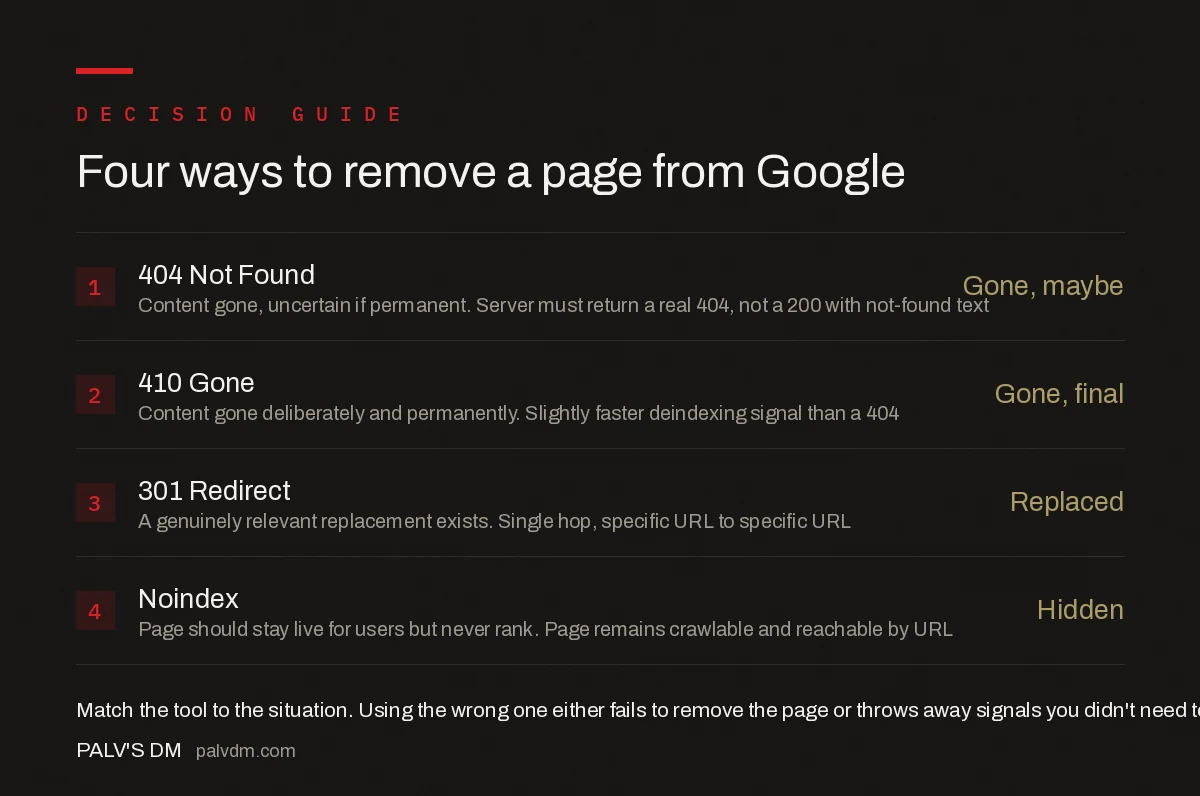
Four ways to remove a page from Google
- 404 Not Found — Gone, maybe. Content gone, uncertain if permanent. Server must return a real 404, not a 200 with not-found text.
- 410 Gone — Gone, final. Content gone deliberately and permanently. Slightly faster deindexing signal than a 404.
- 301 Redirect — Replaced. A genuinely relevant replacement exists. Single hop, specific URL to specific URL.
- Noindex — Hidden. Page should stay live for users but never rank. Page remains crawlable and reachable by URL.
A page can’t productively combine noindex with a canonical tag pointing elsewhere, and it shouldn’t combine noindex with a robots.txt block either — if robots.txt blocks the page, Google never crawls it and never sees the noindex tag in the first place, so the page can still appear in results using only the anchor text and URL Google has from other signals.
How do you speed up removal when you need it gone fast?
Google Search Console’s Removals tool suppresses a URL from search results within about a day, but it’s explicitly temporary — a successful request lasts roughly six months and then the page is eligible to reappear once recrawled. It’s the right tool for urgent situations, like a page with sensitive information published by mistake, but it’s never a substitute for the permanent fix. Submit the Removals request immediately, then apply the actual 404, 410, or noindex on the page itself in the same session, or the page returns to search results once the temporary suppression expires.
Sites managing large catalogues where whole sections get retired at once should also check how the change ripples through the XML sitemap — a removed page still listed in the sitemap sends Google a conflicting signal about whether it should be crawled at all, which matters more on sites over 50,000 URLs where sitemap indexes govern how crawl budget gets allocated in the first place.
How do you confirm the removal actually worked?
Don’t assume a status code change or a noindex tag has taken effect just because it’s live on the page. Run the URL through Search Console’s URL Inspection tool: it shows whether Google’s last crawl saw the new status code or directive, and whether the URL is still indexed from an earlier crawl. A page can carry a correct 410 for weeks and still show up in results if Google hasn’t recrawled it yet, especially on a low-authority page that gets crawled infrequently.
For sites with a large volume of removals — a catalogue migration, a category restructure, a compliance-driven takedown — spot-check a sample with site: searches and a fresh crawl about two weeks after the change, rather than checking every URL individually. Sites that render product listings or load results through infinite scroll need an extra check here, since pages built on infinite scroll and load-more patterns can leave removed items technically crawlable through a paginated API endpoint even after the visible listing page has been fixed.
Frequently asked questions
What’s the difference between a 404 and a 410 for SEO?
Very little. Google’s own guidance says the processing difference between 404 (Not Found) and 410 (Gone) is minimal for SEO purposes. A 410 signals more explicitly that the removal is intentional and permanent, which can help Google drop the URL from its index slightly faster, but neither code causes a ranking penalty and both remove the page from search results.
Should I use noindex or delete the page entirely?
Use noindex if the page should stay live for users but not appear in search results, such as an internal search results page or a thank-you page. Delete the page and return a 404 or 410 if it should stop existing altogether, such as a discontinued product with no replacement.
How fast does Google remove a page after you 404 or 410 it?
There’s no fixed timeline — it depends on how often Google recrawls the URL. High-authority pages that are recrawled daily can drop within days; low-traffic pages can take weeks. Submitting the URL through Search Console’s Removals tool suppresses it from results within about a day while the permanent removal takes effect.
Does the Search Console Removals tool permanently delete a URL from Google?
No. The Removals tool only hides a URL from search results for about six months and clears the cached copy; it does not tell Google to stop crawling or indexing the page long-term. Permanent removal still requires a 404, a 410, a noindex tag, or password protection on the page itself.
Should I redirect a removed page instead of letting it 404?
Only if there’s a genuinely relevant replacement page. Redirecting a removed product to an unrelated category or the homepage is a soft 404 in disguise — Google detects the mismatch and treats it as a quality problem rather than a real substitute.
Sources
- Removals and SafeSearch reports tool — Search Console Help
- HTTP and network errors — Google Search Central
- Technical SEO: The Complete Working Guide
Want this done on your site?
Every PalV’s DM engagement starts with a free audit of your actual website — a 12-point
crawl covering what is blocking indexation, on-page gaps against your primary keywords, speed
findings, and the three to five fixes worth making first. Delivered in two working days. No
payment details, and the findings are yours whether you hire us or not.


