
How to Speed Up Google Indexing of New Pages
New pages get indexed faster through internal links and a clean sitemap, not just a manual request. The six-step process, in order.

The fastest way to get a new page indexed is to make it easy for Googlebot to find on its own — a sitemap entry, one internal link from an already-crawled page, and a clean 200/indexable status — then use URL Inspection’s Request Indexing as a nudge, not a substitute. Pages that sit unlinked, several clicks from the homepage, are the ones still showing “Discovered, not indexed” a month later, no matter how many times someone clicks request.
Most guidance treats indexing as a button to press. It’s closer to a queue: Google decides what to crawl based on how it finds a URL and what it expects to find there, and a manual request just moves you a few places up that queue, not to the front of it.
What actually gets a new page indexed faster?
Three things move the needle, and they matter in this order: discoverability (can Googlebot find the URL through a link path), quality signal (does the page look worth indexing compared to what already exists), and the manual nudge (Request Indexing, which shortens the wait once the first two are in place). Sites that skip straight to the nudge and skip the first two are the ones stuck wondering why nothing happens.
Step 1: Confirm the page is actually indexable
Before touching Search Console, check that the page returns a 200 status, isn’t tagged noindex, and isn’t blocked in robots.txt. This sounds obvious, but staging noindex tags left on after launch, or a CMS default that noindexes new post types, account for a large share of “why isn’t this indexing” tickets. Paste the URL into URL Inspection — the “Indexing allowed?” field answers this in one look.
Step 2: Add the URL to the XML sitemap and resubmit
If the page uses a dynamically generated sitemap (most CMS platforms do), confirm the new URL actually appears in it — plugins occasionally exclude custom post types or draft-to-published transitions by default. Once confirmed, resubmit the sitemap in Search Console under Sitemaps, even if the sitemap URL hasn’t changed; this signals Google to re-fetch it rather than waiting for the next scheduled crawl.
Step 3: Link to the page from somewhere Google already crawls often
This is the step most sites skip and the one that matters most. A link from the homepage, a high-traffic hub page, or a recently updated post that Google revisits frequently gives Googlebot a direct path to the new URL the next time it crawls that source page. An isolated new page with zero internal links is, from Google’s perspective, nearly invisible until the sitemap crawl happens to reach it.
Step 4: Request indexing through URL Inspection
With the first three steps done, request indexing gives Google’s priority crawl queue a heads-up. It has a daily usage limit and works best treated as confirmation, not the mechanism itself — pasting the URL in and clicking “Request Indexing” moves the page toward the front of a queue that discoverability already qualified it for.
Step 5: Use IndexNow for the engines that support it
IndexNow pings Bing and several other search engines the moment a page publishes or updates, cutting their discovery lag from days to minutes. It has no direct effect on Google, which doesn’t participate in the protocol, but for sites where Bing or Yandex traffic matters, automating an IndexNow ping in the publishing workflow removes a manual step entirely.
Step 6: Check back after 3-5 days, not immediately
Checking URL Inspection an hour after publishing rarely tells you anything useful. Give it three to five days, then re-check. If the status still reads “Discovered, not indexed” or “Crawled, not indexed” at that point, the cause has usually shifted from a discovery problem to a quality or duplication problem — worth comparing the page against what’s already ranking for the same query before requesting indexing again.
Six steps that actually speed up indexing
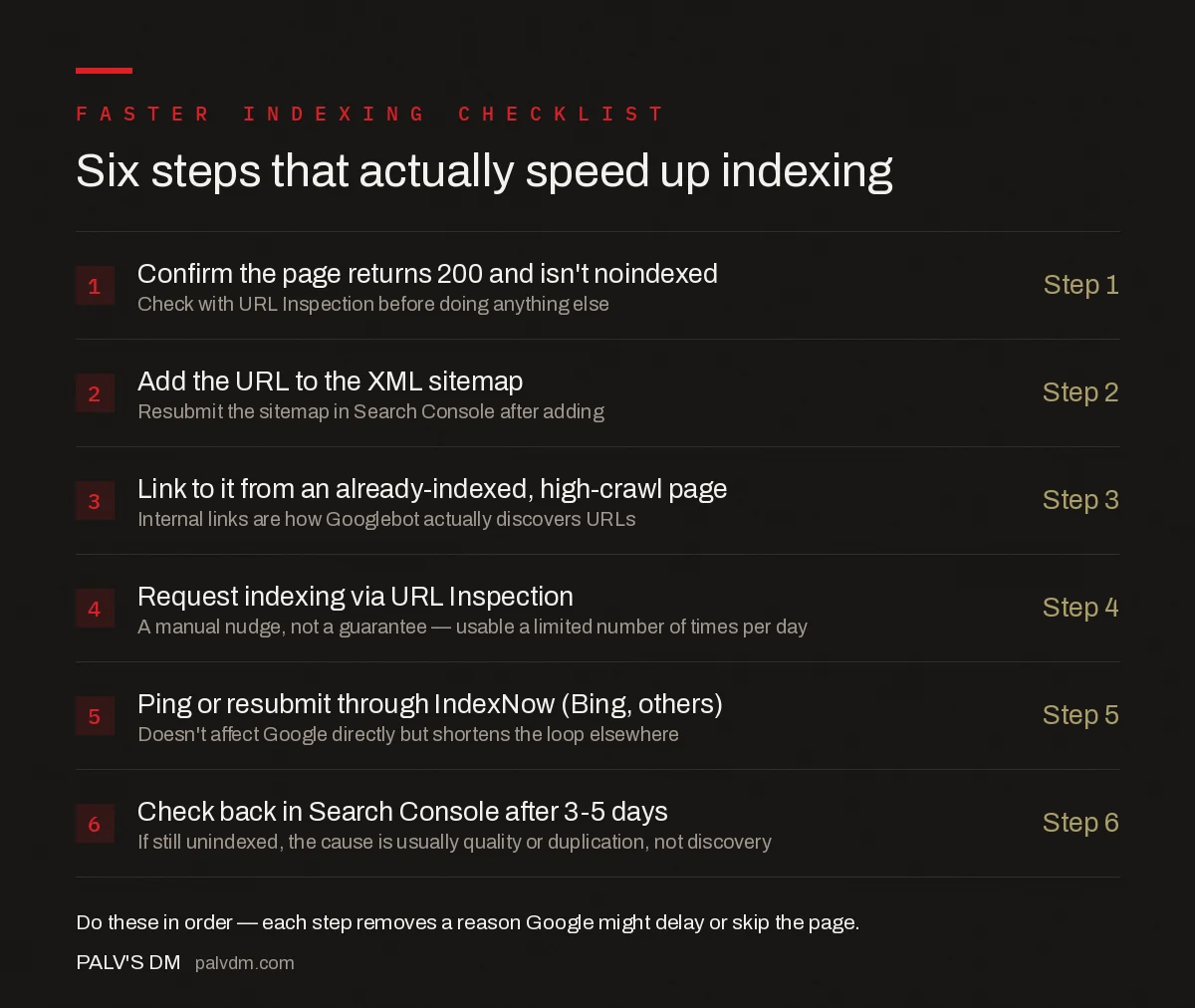
- Step 1 — Confirm indexability: Check the page returns 200 and isn’t noindexed via URL Inspection before doing anything else.
- Step 2 — Add to the sitemap: Confirm the URL appears in the XML sitemap, then resubmit it in Search Console.
- Step 3 — Add an internal link: Link to the new page from an already-indexed, frequently crawled page.
- Step 4 — Request indexing: Use URL Inspection’s Request Indexing as a nudge, not a guarantee — it has a daily limit.
- Step 5 — Ping IndexNow: Doesn’t reach Google directly, but shortens discovery time on Bing and other supporting engines.
- Step 6 — Recheck after 3-5 days: If it’s still unindexed at that point, the cause is usually quality or duplication, not discovery.
What common mistakes slow indexing down?
| Mistake | Why it delays indexing | Fix |
|---|---|---|
| Publishing with a leftover noindex tag | Google respects the directive and never adds the page to the index | Check URL Inspection’s “Indexing allowed?” field before publishing |
| Orphan pages with zero internal links | Googlebot has no crawl path unless it stumbles on the sitemap entry | Add at least one link from a frequently crawled page |
| Content that duplicates an existing page | Google may crawl it but decline to index a near-duplicate | Differentiate the page or canonicalise to the stronger version |
| Requesting indexing repeatedly on the same URL | Doesn’t change the underlying decision, just re-queues the same request | Fix the discoverability or quality issue instead of repeating the request |
| Sitemap not resubmitted after bulk publishing | Google may not re-fetch an unchanged sitemap URL for days | Resubmit manually in Search Console after any bulk add |
What prerequisites should be true before you request indexing?
- The page is reachable from at least one other indexed page on the site — not just the sitemap.
- The page returns a clean 200 status with no noindex tag or robots.txt block.
- The content is meaningfully different from anything else already indexed on the domain.
- Core page elements (title, main content, canonical tag) are present in the initial HTML, not injected later by JavaScript that Google might not render in time.
How does crawl budget affect indexing speed on larger sites?
Crawl budget rarely matters for a small site publishing a handful of pages a month — Google has more than enough capacity to reach everything quickly. It becomes the bottleneck on sites with tens of thousands of URLs, where Googlebot allocates a finite number of crawl requests per day and spends them on whatever it judges most valuable. A new page competing against thousands of low-value, thin, or near-duplicate URLs for that same crawl budget can sit in “Discovered, not indexed” far longer than the six-step process above would suggest, simply because Google keeps choosing other URLs first.
The fix isn’t more requests for indexing — it’s reducing what’s competing for the budget. Pruning or noindexing thin, outdated, or duplicate pages, fixing redirect chains that waste crawl requests, and consolidating near-duplicate URLs with canonicals all free up crawl capacity that then flows toward genuinely new content faster. Sites that treat crawl budget as a finite resource, not an infinite one, see new pages indexed measurably faster across the board, not just on individual requested URLs.
Does page quality affect how fast a page gets indexed?
Yes, and it’s easy to miss because the six mechanical steps all still apply regardless of quality. Google’s crawlers increasingly triage content before committing to a full index entry — a page that reads as templated, thin, or largely duplicative of something already indexed can sit in “Crawled, currently not indexed” indefinitely, which looks identical to a discovery problem in Search Console but has a completely different fix. Comparing the page’s depth and specificity against what’s already ranking for the same query, before assuming the issue is technical, saves a lot of wasted troubleshooting on sitemaps and internal links that were never the actual cause.
Frequently asked questions
How long does Google normally take to index a new page?
Anywhere from a few hours to a few weeks. A well-linked page on an established site with a clean crawl history often gets indexed within a day or two. A new domain, or a page buried deep with no internal links, can take weeks even after a manual indexing request.
Does requesting indexing in Search Console guarantee a page gets indexed?
No. Request Indexing only adds the URL to a priority crawl queue — it doesn’t override Google’s decision on whether the page is worth indexing. If the content is thin, duplicate, or blocked, requesting indexing repeatedly will not change the outcome.
Why is a page still not indexed weeks after I published it?
The most common causes are content that duplicates or barely improves on an existing page, a missing or broken internal link path, an accidental noindex tag, or a sitemap that was never resubmitted. Check URL Inspection first — it names the exact reason.
Does submitting a sitemap alone get a page indexed faster?
A sitemap tells Google a URL exists; it doesn’t make Google prioritise crawling it. Sitemaps work best combined with at least one internal link from a page Google already crawls frequently, which is what actually pulls Googlebot toward the new URL.
Do social shares help a new page get indexed faster?
Indirectly at best. Social platforms are largely no-follow and don’t pass the same crawl signal as an internal or external link, though a shared link occasionally gets crawled by a discovery bot. It is not a reliable indexing strategy on its own.
Sources
- Getting your pages indexed by Google — Google Search Central
- Technical SEO: The Complete Working Guide
- robots.txt Explained: Every Directive, With Examples
- XML Sitemaps: What to Include, What to Leave Out
- How to Find and Fix Redirect Chains and Loops
Want this done on your site?
Every PalV’s DM engagement starts with a free audit of your actual website — a 12-point
crawl covering what is blocking indexation, on-page gaps against your primary keywords, speed
findings, and the three to five fixes worth making first. Delivered in two working days. No
payment details, and the findings are yours whether you hire us or not.


