Service Support — Consulting & Audit
What We Do With Your Data After a Free Audit
Wondering about seo audit privacy? Here's exactly what data we access during a free SEO audit, how it's used, how long it's kept, and how to revoke access.

Short answer: the data we pull during a free SEO audit — your Google Analytics 4 numbers, Search Console queries, CMS structure, crawl data — is used only to write your audit report, is never sold or shared, and access you grant us (almost always read-only) can be revoked the moment the call ends. There’s no data-retention clause hiding in the fine print because there is no fine print. This article walks through exactly what we access, what we do with it, how long we keep it, and what happens if you never talk to us again after the audit.
Key takeaway
- Access we request for a free audit is read-only wherever the platform supports it — we can see your GA4, Search Console and CMS setup, we can’t edit or delete anything.
- Anything we pull (screenshots, exported reports, crawl data) is used only to write your findings and is deleted from our working folders once the report is delivered.
- You can revoke access at any point, before or after the audit, and doing so doesn’t cancel anything because a free audit was never a signed agreement in the first place.
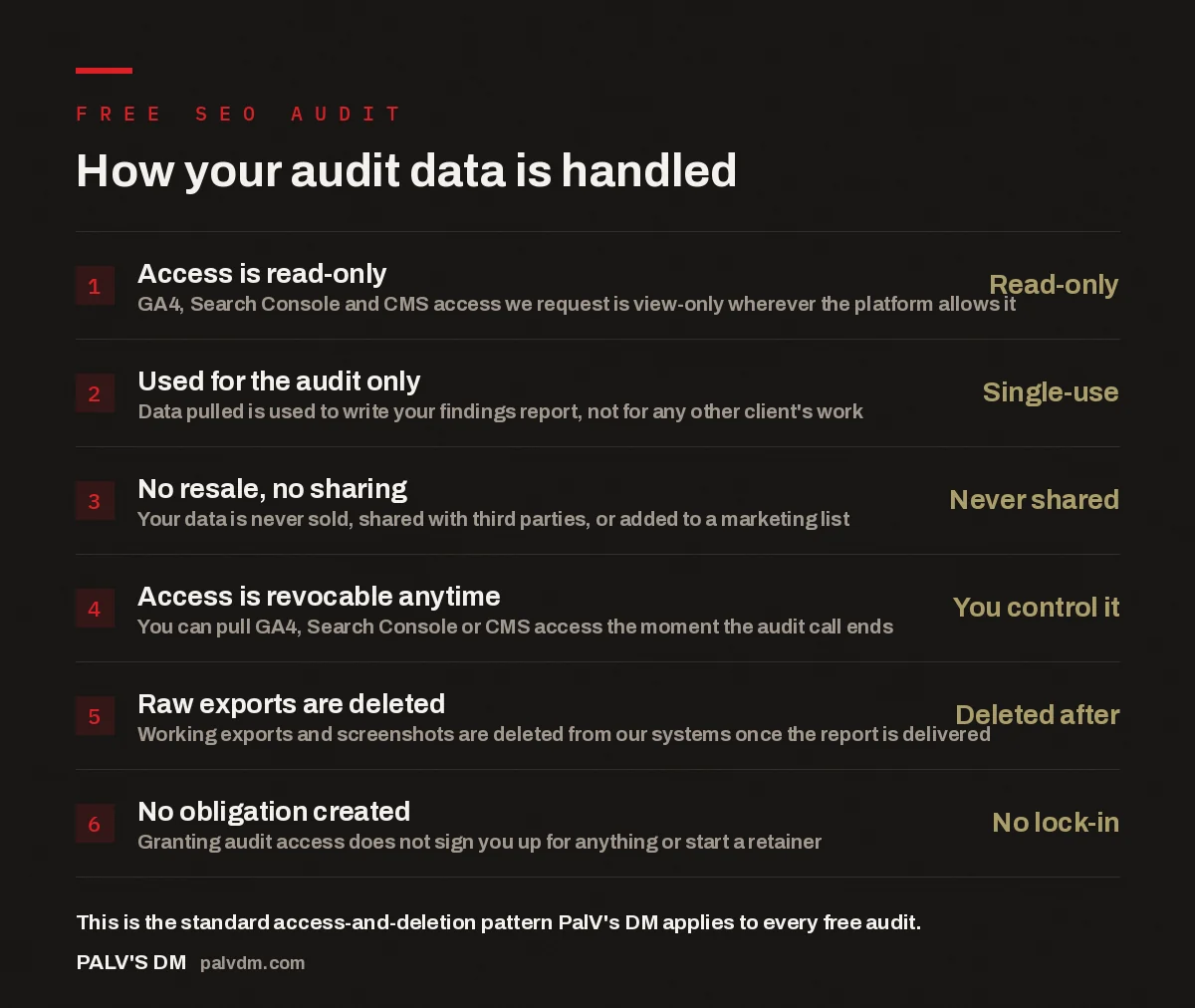
How your audit data is handled
- Access is read-only — Read-only. GA4, Search Console and CMS access we request is view-only wherever the platform allows it.
- Used for the audit only — Single-use. Data pulled is used to write your findings report, not for any other client’s work.
- No resale, no sharing — Never shared. Your data is never sold, shared with third parties, or added to a marketing list.
- Access is revocable anytime — You control it. You can pull GA4, Search Console or CMS access the moment the audit call ends.
- Raw exports are deleted — Deleted after. Working exports and screenshots are deleted from our systems once the report is delivered.
- No obligation created — No lock-in. Granting audit access does not sign you up for anything or start a retainer.
What access do we actually ask for?
For most audits, we ask for three things: viewer access to Google Analytics 4, viewer access to Google Search Console, and either a login to your CMS (WordPress, Shopify, whatever you’re on) or simply a list of URLs if you’d rather not hand over a login at all. None of these need to be edit-level. GA4 and Search Console both support a “viewer” role that lets us see your traffic, queries, and indexing status without letting us change a setting, delete a property, or touch a conversion event. If a request we send you asks for anything higher than viewer, that’s worth flagging back to us — it shouldn’t happen for an audit.
Where we can’t get read-only access — some CMS platforms only offer full-admin logins, for instance — we say so up front and explain exactly what that login lets us touch. You decide whether that trade-off is worth it. Plenty of businesses opt to skip login access entirely and just give us the site URL; it slows the audit down slightly because we can’t see backend settings like redirects or schema markup directly, but it’s a completely valid choice if data access is the concern.
What happens to the data once the audit is done?
The audit produces one output: your findings report. Everything pulled to build that report — screenshots of your GA4 dashboards, exported Search Console query lists, crawl output from whatever technical tool we ran against your site — sits in a working folder for that single project. Once the report is delivered, that working folder is deleted. What’s kept is the report itself, because that’s the deliverable you asked for and it’s yours to keep. The raw exports underneath it are not.
This isn’t a special policy invented for this article — it’s the same handling standard applied to every account we touch, audit or paid retainer. We work with businesses across different sectors, some of them touching client data of their own, and the pattern that shows up repeatedly is that the businesses most careful about their own customers’ data are the ones most likely to ask us pointed questions about ours before granting access. That’s a healthy instinct, and it’s the reason this page exists.
If a “free audit” needs more access than a paid engagement would, that’s not a free audit — that’s a data-harvesting exercise wearing a free audit’s clothes.
Palash, Founder, PalV’s DM
Is my data shared with anyone else?
No. Audit data isn’t shared with third-party vendors, isn’t added to any list beyond the basic contact record needed to send you the report, and isn’t used in aggregate benchmarking, case studies, or marketing material without your separate, explicit sign-off. If we ever want to reference your results publicly — say, an anonymised before-and-after in a case study — that’s a distinct conversation with your permission attached, not something bundled into the audit terms by default.
The same goes internally. Whoever runs your audit — usually one or two people — is the only one with access to the working files for that project. It isn’t circulated across the team, dropped into a shared drive everyone can browse, or reused as a reference dataset for someone else’s account. Each audit is scoped to the business it was run for.
Can I revoke access, and does that cancel anything?
Yes, and no. You can pull GA4, Search Console, or CMS access at any point — mid-audit, right after the report lands, or six months later if you’d granted longer access for some reason. Google Analytics and Search Console both let you remove a user in under a minute from the account access settings. Revoking access doesn’t cancel anything because a free audit was never a signed agreement to begin with — there’s no contract running in the background that access removal would breach. It’s simply access, granted for a purpose, that you’re free to withdraw once that purpose is served.
If you do decide to move forward into a paid engagement afterward, that’s a separate decision with its own separate access arrangement — typically the same read-only pattern, extended for the length of the work, and still revocable on your terms. The free audit doesn’t automatically roll into anything ongoing.
Why bother being this specific about it?
Because “we take your privacy seriously” is a sentence that means nothing on its own, and a lot of free-audit offers in this industry are built around collecting contact details and account access first, findings second. If you’ve ever handed over Analytics access for a “free audit” and then never heard anything back except sales follow-ups, you’ve seen the pattern this article is written against. Being specific about what’s accessed, how it’s used, how long it’s kept, and how to revoke it is the only way to make a privacy claim checkable rather than decorative.
It also matters for a more practical reason: the businesses that get the most value from a technical audit process are the ones who feel comfortable giving real access rather than a locked-down guest view, because a locked-down view produces a thinner, less useful report. Being explicit about the handling terms is what makes that trust possible in the first place — see also why the free audit exists and what it costs us to run one.
Key takeaway
- Access requested is read-only wherever the platform allows it, used solely to produce your report, and never shared or resold.
- Raw exports and screenshots are deleted once the report is delivered; the report itself is yours to keep.
- You can revoke access at any time, and doing so doesn’t cancel anything — a free audit isn’t a contract.
FAQ: audit data handling
Does a free SEO audit require admin access to my website?
No. Most of what an audit needs — traffic patterns, search queries, indexing status, crawl behaviour — comes from read-only viewer access to GA4 and Search Console, plus the site URL itself. CMS admin access is only needed on platforms that don’t offer a lower-permission role, and even then it’s optional; you can choose to skip it.
What exactly gets deleted after the audit is delivered?
Working files built to produce your report — GA4 and Search Console exports, dashboard screenshots, raw crawl output — are removed from our systems once the findings report is sent. The report itself, which is the deliverable, stays with you as the record.
Can I revoke Google Analytics or Search Console access after the audit?
Yes, at any time. Both platforms let the account owner remove a user from the access settings in under a minute. Revoking access after the audit doesn’t cancel any agreement, because granting access for an audit was never a contract in the first place.
Is my audit data used for case studies or marketing without asking?
No. Any use of your results beyond writing your own report — an anonymised case study, a benchmark reference — is a separate conversation that requires your explicit permission. It’s never bundled into the audit by default.
Does agreeing to a free audit sign me up for a retainer?
No. The audit stands on its own. Moving into paid work afterward is a distinct decision with its own scope, pricing, and access terms — nothing about the audit auto-converts into an ongoing engagement, and there’s no penalty for taking the report and walking away.
Short version: the free audit asks for read-only access wherever the platform supports it, that access is used only to write your report, nothing is sold or shared, raw exports are deleted once the report lands, and you can revoke access whenever you like without cancelling anything — because there’s nothing to cancel. If you want to see how the findings themselves usually shake out before you commit to an audit, the three findings that show up in almost every audit is a useful next read, as is what to bring to a consulting call to make it worth it if you’re planning to book one.